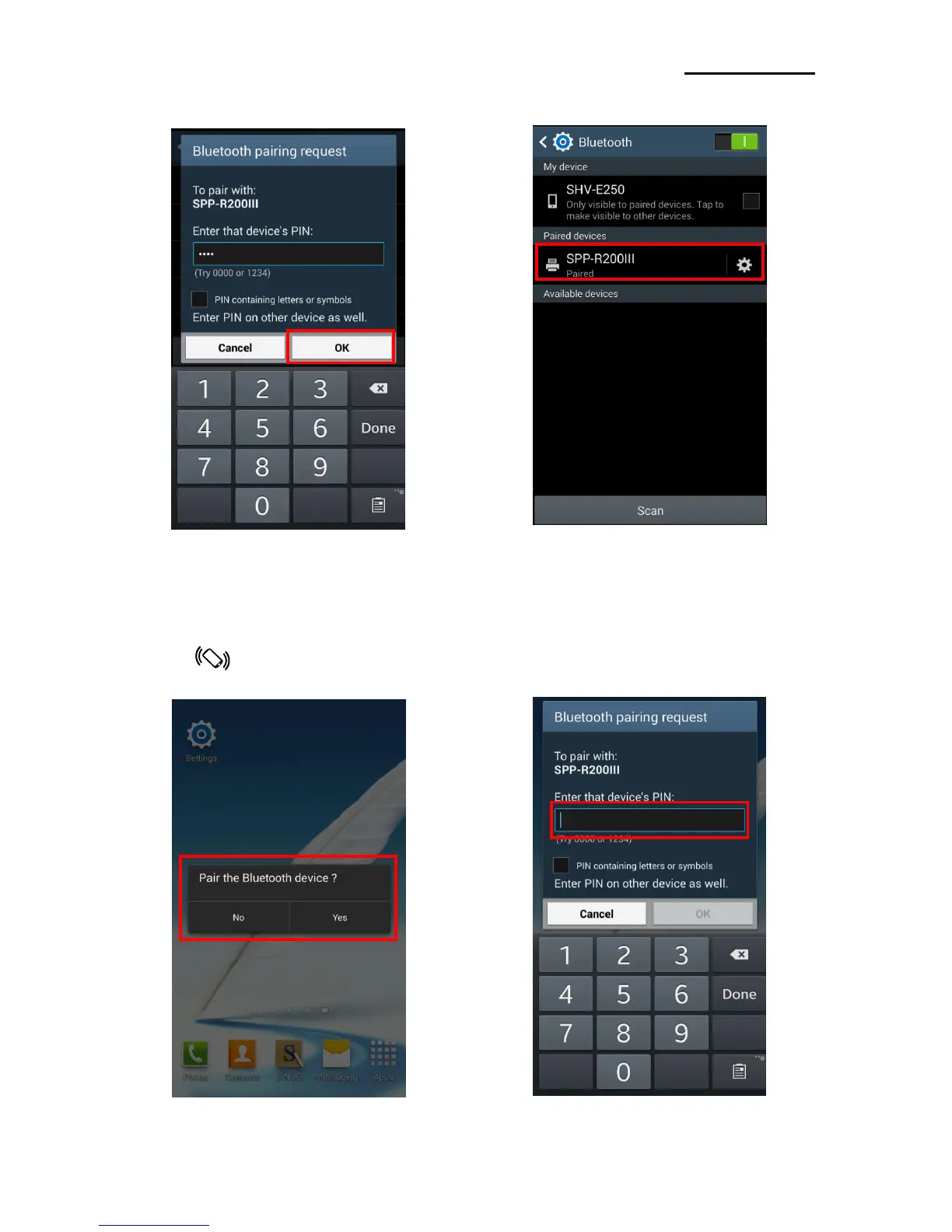
5) Select “OK”. 6) Bluetooth communication is available.
4-2-1 NFC Auto pairing
Referring to 4-2 Android mode, paring process will be simplified by means of using NFC Auto paring
function. (Only, the device should support NFC Read/Write function.)
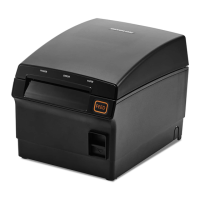
1) Tap your host device to NFC tag 2) Enter PIN. (default : 0000)
on a printer. (Following process is the same as 5), 6) in 4-2)



 To Next Page
 Loading...