EasyManua.ls Logo

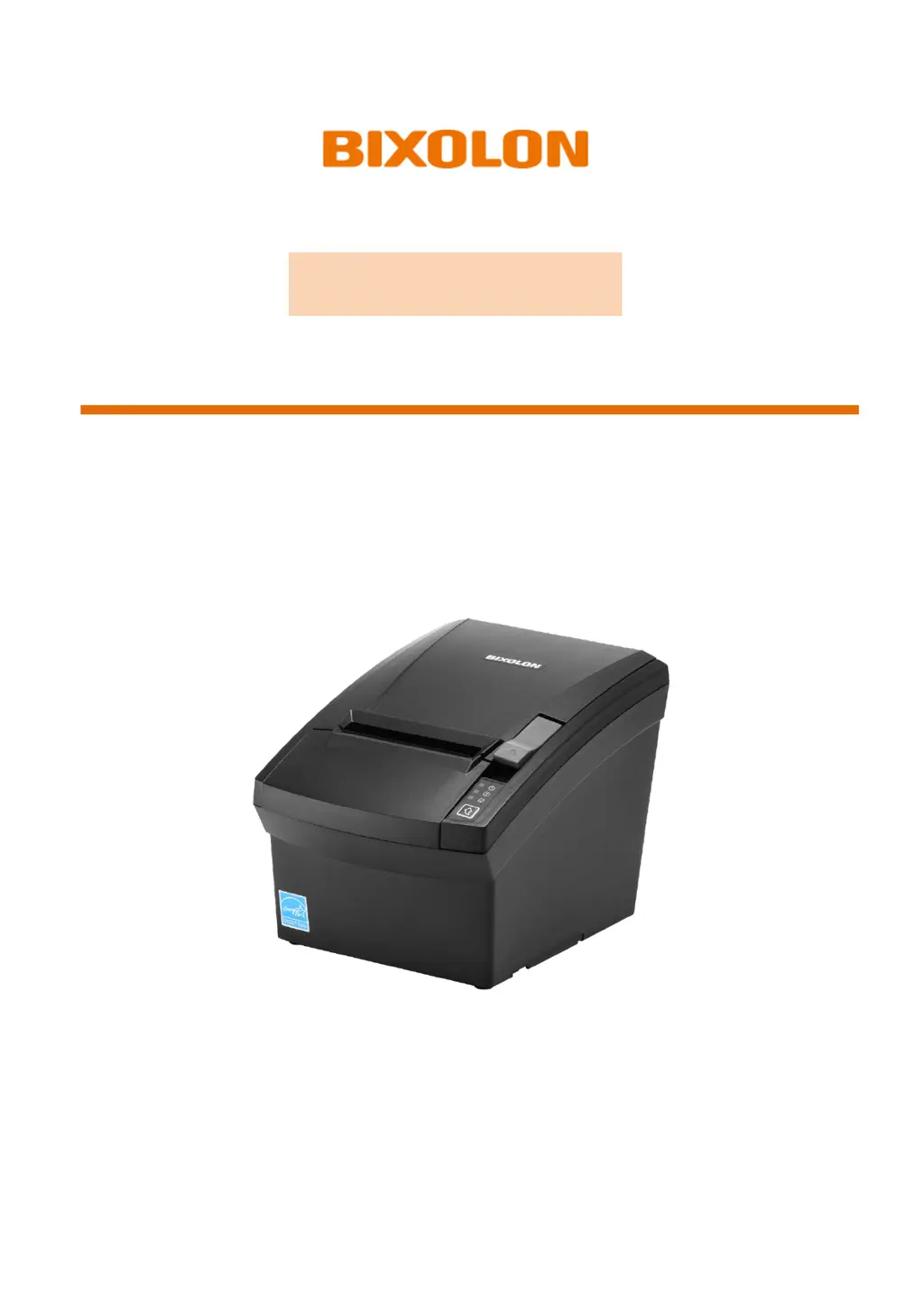
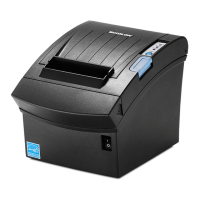
BIXOLON SRP-330III - User Manual

BIXOLON SRP-330III
35 pages
Print Icon
To Next Page IconTo Next Page
Loading...
User’s Manual
SRP-330III/332III
THERMAL PRINTER
Ver. 1.00
http://www.bixolon.com

Other manuals for BIXOLON SRP-330III

Questions and Answers

Summary

1. Content Confirmation

2. Product Part Names

Printer Component Identification

Details the physical components and labels of the printer unit.

Interface Connectivity Options

Information on connecting the printer via USB, Ethernet, Serial, and Parallel interfaces.

3. Installation and Usage

Printer Installation Guidelines

Guidelines for selecting an appropriate location for printer installation and environmental considerations.

Power Connection Procedure

Step-by-step instructions for connecting the printer's power cable and adapter.

Paper Roll Management

Procedures for inserting, changing, and handling the paper roll correctly.

Printer Controls and Indicators

Explanation of the printer's control buttons and status indicator LEDs.

2-inch Paper Partition Installation

Instructions for installing the partition for using 2-inch paper rolls.

4. Printer Self-Test

Performing and Interpreting Self-Tests

Guide on how to initiate and interpret the printer's self-test diagnostics.

5. Hexadecimal Dumping

Hexadecimal Data Analysis

Procedure for enabling and using the hexadecimal dump function for data analysis.

6. Maintenance Procedures

Resolving Paper Jams

Steps to take to resolve a paper jam and safely remove stuck paper.

Printer Cleaning Guide

Instructions for cleaning the printer's TPH, sensors, rollers, and cutter blade.

7. Technical Specifications

Printer Specification Details

Detailed technical specifications including printing method, speed, density, and life span.

Recommended Paper Guidelines

List of recommended paper rolls and warnings about using non-recommended types.

Revision History

Summary

1. Content Confirmation

2. Product Part Names

Printer Component Identification

Details the physical components and labels of the printer unit.

Interface Connectivity Options

Information on connecting the printer via USB, Ethernet, Serial, and Parallel interfaces.

3. Installation and Usage

Printer Installation Guidelines

Guidelines for selecting an appropriate location for printer installation and environmental considerations.

Power Connection Procedure

Step-by-step instructions for connecting the printer's power cable and adapter.

Paper Roll Management

Procedures for inserting, changing, and handling the paper roll correctly.

Printer Controls and Indicators

Explanation of the printer's control buttons and status indicator LEDs.

2-inch Paper Partition Installation

Instructions for installing the partition for using 2-inch paper rolls.

4. Printer Self-Test

Performing and Interpreting Self-Tests

Guide on how to initiate and interpret the printer's self-test diagnostics.

5. Hexadecimal Dumping

Hexadecimal Data Analysis

Procedure for enabling and using the hexadecimal dump function for data analysis.

6. Maintenance Procedures

Resolving Paper Jams

Steps to take to resolve a paper jam and safely remove stuck paper.

Printer Cleaning Guide

Instructions for cleaning the printer's TPH, sensors, rollers, and cutter blade.

7. Technical Specifications

Printer Specification Details

Detailed technical specifications including printing method, speed, density, and life span.

Recommended Paper Guidelines

List of recommended paper rolls and warnings about using non-recommended types.

Revision History

BIXOLON SRP-330III Specifications

General IconGeneral
USB connectorUSB Type-B
Serial interfaceYes
Serial interface typeRS-232
USB 2.0 ports quantity1
Connectivity technologyWired
AC input voltage100 - 240 V
Power source typeAC
AC input frequency50/60 Hz
Wi-FiNo
Maximum printing width72 mm
Printing media thickness0.05 - 0.08 µm
Roll core diameter (max)80 mm
Cables includedUSB
TypePOS printer
Print technologyDirect thermal
Sustainability certificatesENERGY STAR
Storage temperature (T-T)-20 - 60 °C
Operating temperature (T-T)0 - 40 °C
Storage relative humidity (H-H)10 - 90 %
Operating relative humidity (H-H)10 - 80 %
Flash memory64 MB
Storage mediaFlash
Internal memory128 MB
Built-in barcodesCODABAR (NW-7), Code 128 (A/B/C), Code 39, Code 93, Data Matrix, EAN13, EAN8, ITF, PDF417, QR Code, UPC-A, UPC-E
Built-in sensors detailsPaper End, Cover Open
Product colorBlack
Weight and Dimensions IconWeight and Dimensions
Depth195 mm
Width145 mm
Height146 mm
Weight1600 g

Related product manuals