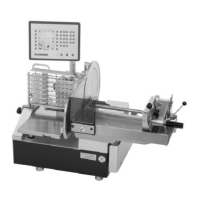
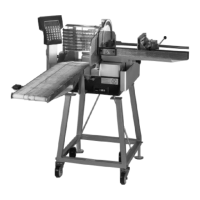
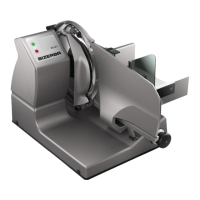
Instruction manual A400 / A400FB Machine and operating elements
6.054.98.5.10.06 en 5 - 5
5
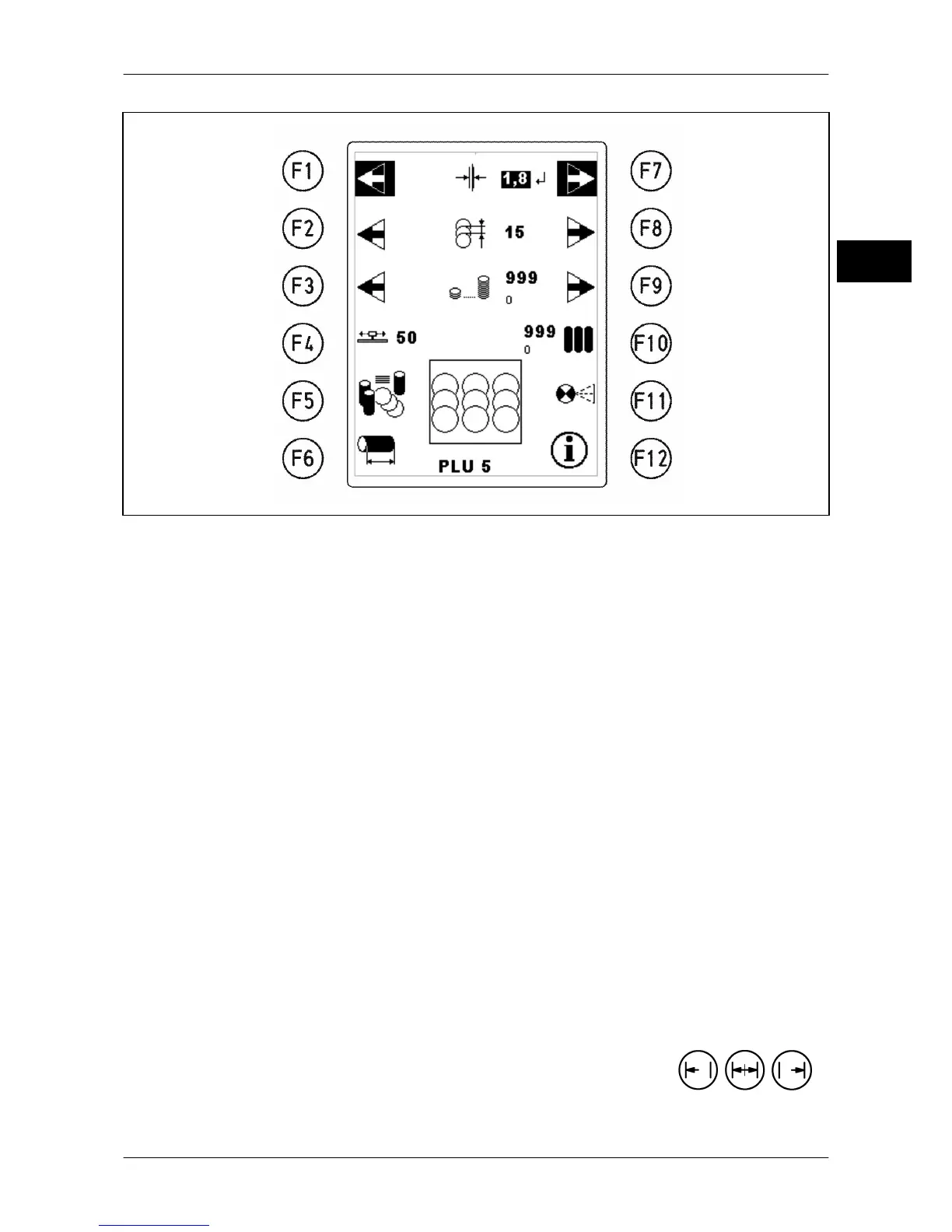
Fig. 21: Workstation
<F1> Reduce slice thickness
<F2> Reduce fanning space
<F3> Reduce number of slices
<F4> Number of carriage strokes
<F5> To depositing station
<F6> To measuring station
<F7> Increase slice thickness
<F8> Increase fanning space
<F9> Increase number of slices
<F10> Number of portions
<F11> Light barrier on/off (only with conveyor machine)
<F12> To information station
5.5
Depositing station
This is where depositing positions are determined on the table or conveyor belt.
The selected depositing position appears in the middle of the display: in this example Fan,
lengthwise, three-rows.
The rows are added or removed via the keys Sliced product depositing
<left> <center> <right>.



 To Next Page