3
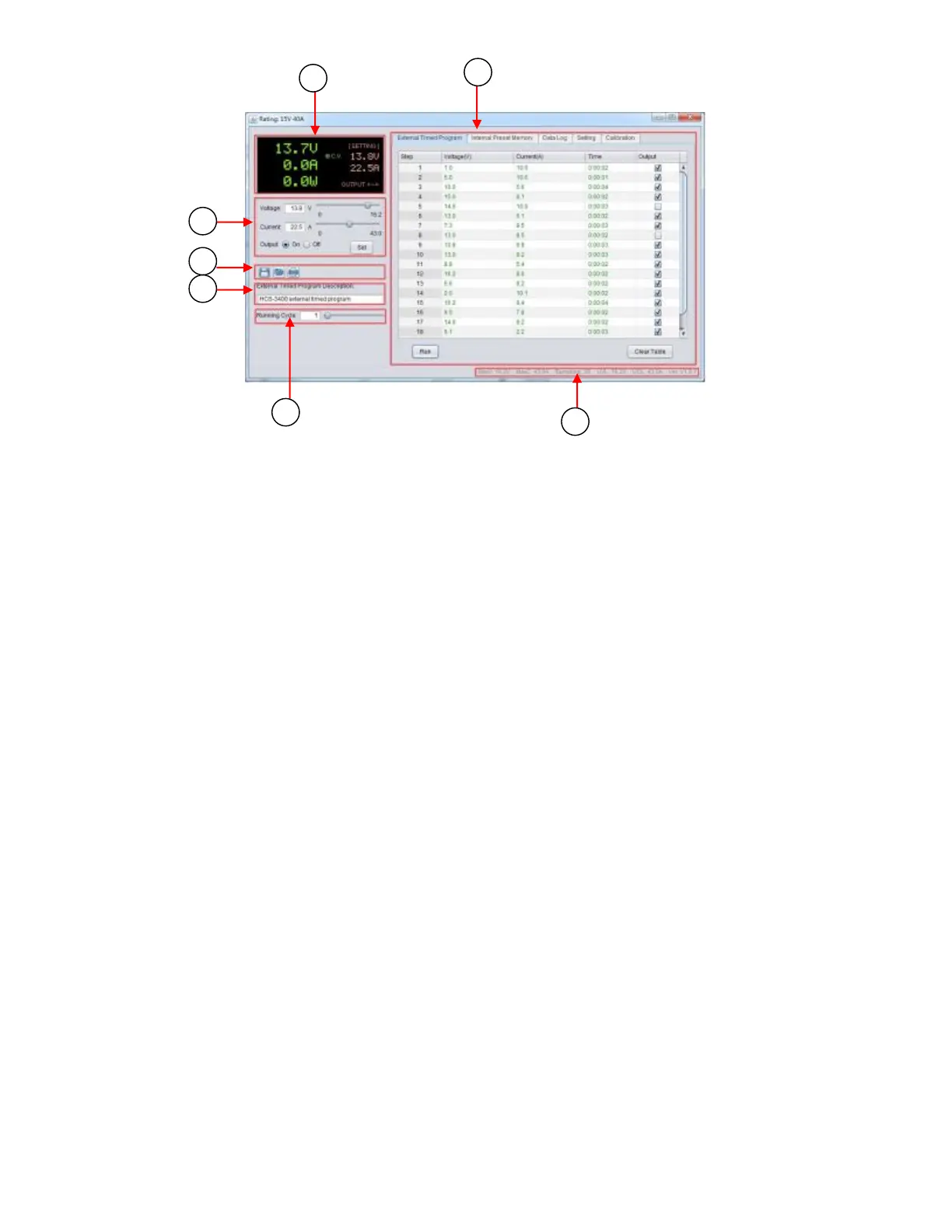
Figure 2.1 - PC Software General Functions and Display
1. Display panel
Shows real-time information of power supply’s output and setting voltage and current.
2. Main configuration and data log display panel
Use to change general setting of program and display data log.
3. Voltage and current setting panel
Use to set output value and output On/Off.
4. File panel
Use to save, load, and print data.
5. File description input
Use to enter description of program or log file.
6. Program running cycle setting panel
Use to set running cycle for External Timed Program.
7. Information panel
Use to display maximum voltage/current, sampling time, upper voltage/current limit, and software
version.



 To Next Page
 Loading...