EasyManua.ls Logo

BKI BLF-F - User Manual

BKI BLF-F
56 pages
Print Icon
To Next Page IconTo Next Page
Loading...
CS-TM-010.03 Revised 10/01/18
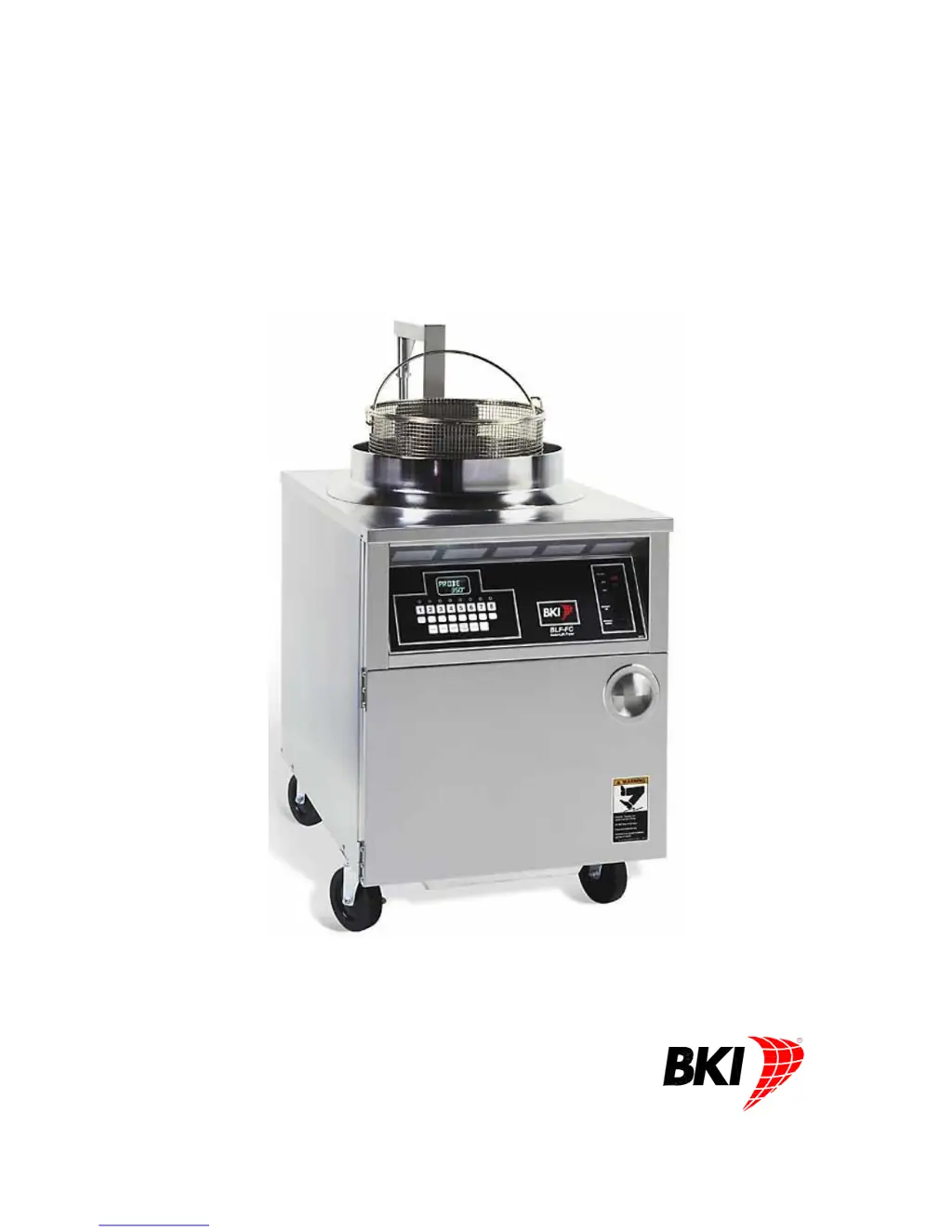
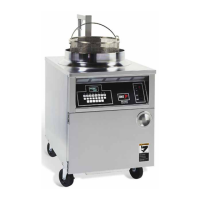
Electric Auto-Lift Fryer
MODELS BLF-F & BLF-FC
Service Manual
Serial Numbers 811000 and higher

Questions and Answers

  • D
    Debbie WhiteAug 12, 2025
    What to do if my BKI Fryer has pressure loss or is not releasing pressure?
    • K
      Kayla MurphyAug 12, 2025
      If your BKI Fryer is experiencing pressure loss or not releasing pressure, the dead weight valve might be leaking. Try cleaning the weight and orifice. If the problem persists, or if you suspect a leaking lid gasket, a leaking or stuck solenoid valve, or a safety valve not seating properly, contact an authorized BKI service agent for corrective action. To check the solenoid valve, activate the valve by starting a cook cycle; you should hear a solid metallic CLICK sound. If you hear no sound or a slow BUZZING CLICK, this indicates a problem.
  • Y
    Yesenia HatfieldAug 19, 2025
    Why is my BKI BLF-F Fryer shortening heating too slowly?
    • B
      Brian WilkinsAug 19, 2025
      If the shortening in your BKI Fryer is heating too slowly, several factors could be responsible. It might be due to breading buildup on the heating elements, which requires cleaning. If cleaning doesn't resolve the issue, or if you suspect low or improper voltage, a bad thermostat, loose wires, weak heating elements, or a bad coil on the contactor, it is best to contact an authorized BKI service agent for corrective action.
  • K
    Kayla GardnerAug 27, 2025
    What to do if the filter system is not working on my BKI BLF-F Fryer?
    • H
      hardingregoryAug 27, 2025
      If the filter system on your BKI Fryer isn't working, try pressing the reset button on the end of the pump and the hi-limit reset button under the control panel. Also, check for loose connections and tighten them. If these steps don't solve the problem, contact an authorized BKI service agent for corrective action.
  • P
    Paul SmithSep 4, 2025
    How to fix a BKI BLF-F Fryer when the computer hangs?
    • P
      Pamela MorenoSep 4, 2025
      If the computer on your BKI Fryer hangs, press and hold the Toggle/Clear button while moving the FRY/OFF/FILTER switch from FRY to OFF and back to FRY. If the problem continues, contact an authorized BKI service agent for corrective action.

BKI BLF-F Specifications

General IconGeneral
BrandBKI
ModelBLF-F
CategoryFryer
LanguageEnglish

Related product manuals