EasyManua.ls Logo

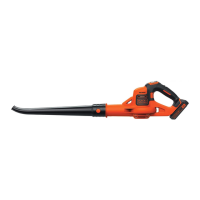
Black & Decker GWC1815 - User Manual

Black & Decker GWC1815
12 pages
Print Icon
To Next Page IconTo Next Page
Loading...
www.blackanddecker.co.uk
GWC1815
GWC1820PC

Questions and Answers

  • D
    Donna AbbottAug 9, 2025
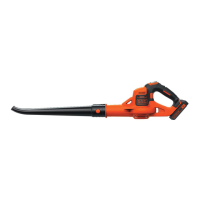
    Why is my Black & Decker GWC1815 battery not charging?
    • J
      Julia WilliamsAug 9, 2025
      If the Black & Decker Blower battery isn't charging, ensure it's properly inserted into the charger until the green LED appears. Also, confirm the charger is plugged into a working outlet. Try plugging in a lamp to check the outlet. Also, check to see if the outlet is connected to a light switch. If the surrounding air temperature is too hot or cold, move the charger and tool to a location with a temperature between 40°F (4.5°C) and 105°F (+40.5°C).
  • J
    Jeffrey GonzalezAug 26, 2025
    What to do if Black & Decker Blower battery will not charge because of temperature?
    • V
      Victor SalazarAug 26, 2025
      If your Black & Decker Blower battery isn't charging, the surrounding air temperature might be the issue. Move the charger and tool to a location where the air temperature is above 40°F (4.5°C) or below 105°F (+40.5°C).

Black & Decker GWC1815 Specifications

General IconGeneral
Power SourceBattery
Voltage18V
Battery TypeLithium-ion
Battery IncludedYes
Charger IncludedYes

Related product manuals