
 Need help?
Do you have a question about the Black & Decker LST 136 and is the answer not in the manual?
The guard must be installed for operation to prevent motor overheating.
Specifies the required .065 inch ROUND line for proper tool function.
Avoid bumping the feed head against the ground to prevent disrupting the feed mechanism.
Comprehensive safety precautions for operating electric gardening appliances.
Mandates wearing eye protection, proper clothing, and footwear.
Keep bystanders and children away from the work area.
Precautions when using the tool as an edger, regarding thrown objects and rebound.
Do not force, overreach, or use for unintended jobs.
Avoid wet conditions, explosive atmospheres, and store tools properly.
Maintain care, check for damaged parts, and avoid water immersion.
Advises on chemicals in dust and recommended protective equipment.
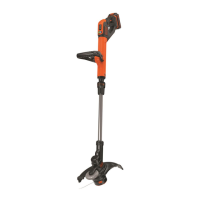
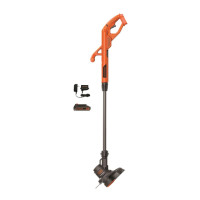
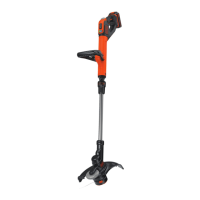
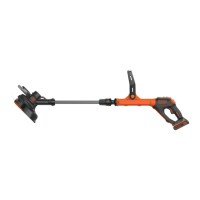
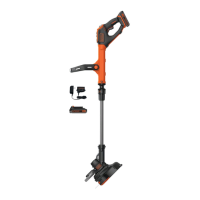
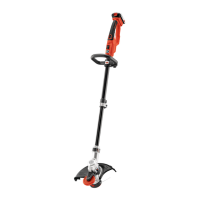
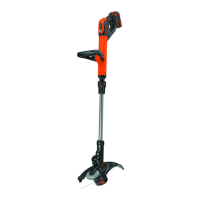
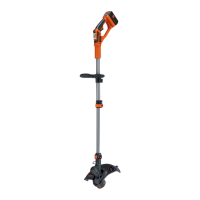
Lists and illustrates the main parts of the trimmer/edger.
Covers shock hazards, burn hazards, and general charger usage safety.
Guidelines for using extension cords with the battery charger.
Rules on placement, damage, disassembly, and voltage for the charger.
Precautions against fire, explosive atmospheres, skin contact, and tampering.
Recommendations for storing battery packs and avoiding temperature extremes.
Prevents metal objects from contacting battery terminals to avoid fire hazards.
Step-by-step guide for charging the battery pack.
Explains LED indicators for bad battery and hot/cold pack delay.
How to check the battery's current charge level using LEDs.
Procedures for safely attaching and detaching the battery pack from the tool.
Step-by-step guide for securely attaching the safety guard.
Instructions for attaching and adjusting the auxiliary handle.
Using the telescopic mechanism to set a comfortable working height.
Steps to configure the tool for trimming grass.
Steps to configure the tool for edging lawn borders.
Procedure for activating and deactivating the tool's motor.
Adjusting power output for max power or max runtime.
Guidance on effective trimming and edging methods and considerations.
Details on line type, feeding, and maintenance during use.
Specifies correct line type and availability of other parts.
Step-by-step guide for replacing the trimmer line spool.
Guide for manually winding cutting line from bulk supply.
Information about the Rechargeable Battery Recycling Corporation seal and program.
Cleaning air slots, storing line, cleaning parts, and sharpening the cutter.
Steps to diagnose and fix issues when the tool operates slowly.
Steps to diagnose and fix issues with the automatic line feed system.
How to find and contact authorized service centers for repairs and parts.
Explains the terms and conditions of the product warranty.
Information on obtaining replacement warning labels if they are missing or illegible.
 General
| Power Source | Battery |
|---|---|
| Voltage | 36 V |
| Cutting Width | 13 inches |
| Weight | 6.5 lbs |
| Adjustable Height | Yes |
| Battery Included | Yes |
| Battery Type | Lithium-Ion |
| Line Diameter | 0.065 inches |
| Feed System | Automatic |
| Charging Time | 1 hour |






 To Next Page