EasyManua.ls Logo

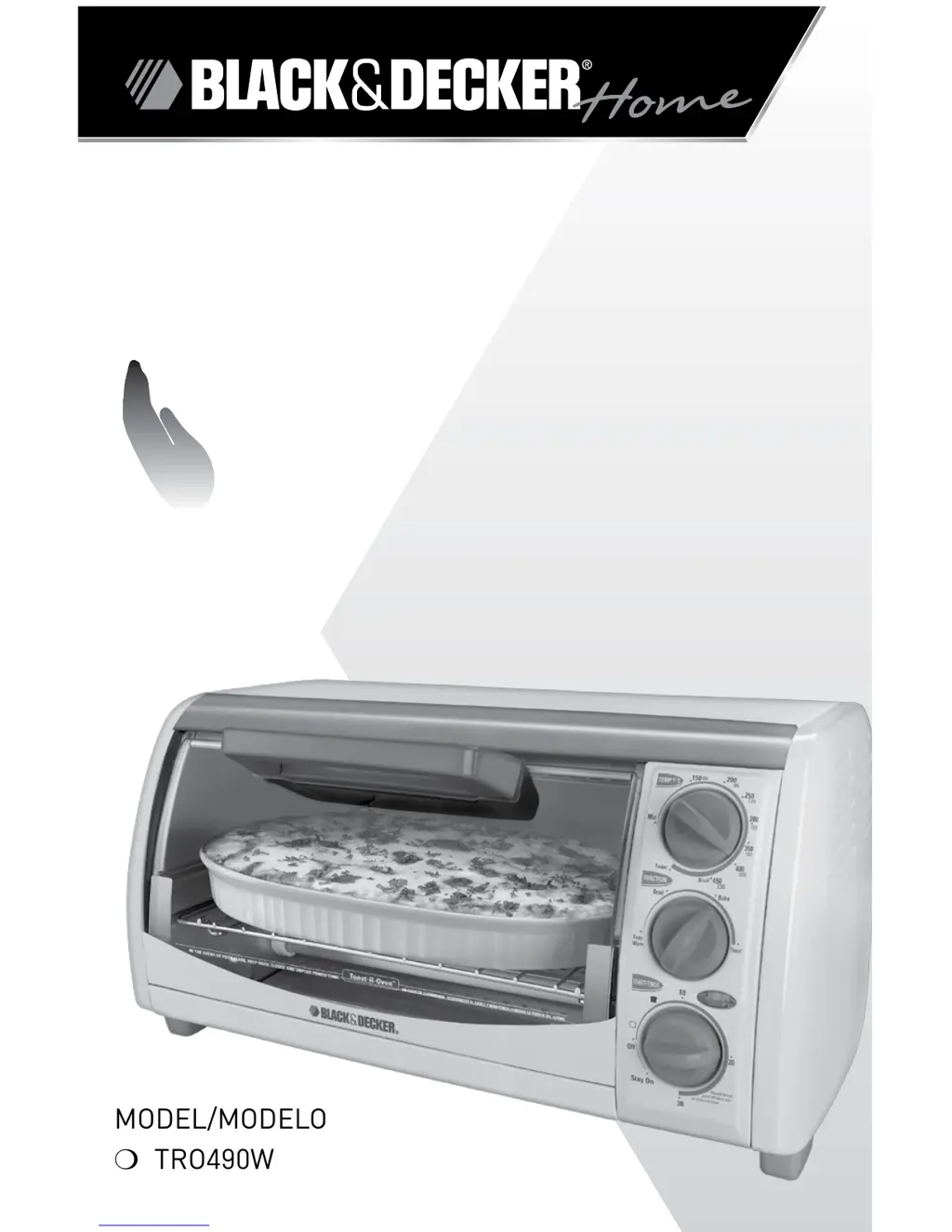
Black & Decker TRO490W - User Manual

Black & Decker TRO490W
19 pages
Print Icon
To Next Page IconTo Next Page
Loading...





Oven
HOrnO 
Care










Questions and Answers

  • G
    gdiazJul 25, 2025
    How to prevent second toasting from being too dark in Black & Decker TRO490W?
    • M
      Megan AllenJul 26, 2025
      If you're toasting multiple batches in your Black & Decker oven and the second batch is too dark, select a shade slightly lighter than your previous setting.
  • J
    Juan PetersonJul 30, 2025
    Why my Black & Decker Oven is not heating?
    • P
      pthomasJul 30, 2025
      If your Black & Decker oven isn't heating, first ensure the electrical outlet is working and that the oven is properly plugged in. For the oven to function, both the temperature control and the timer must be set.
  • S
    skinneranthonyAug 4, 2025
    How to stop burnt food smell from Black & Decker TRO490W?
    • V
      Victor HerreraAug 4, 2025
      If you notice a burnt food odor or smoke coming from your Black & Decker oven, it's likely due to food remnants in the crumb tray or on the oven walls. Ensure all parts of the oven, baking pan, and rack are clean.
  • R
    Rachael GarzaAug 9, 2025
    What to do if Black & Decker TRO490W Oven is overcooking food?
    • A
      Aaron WestAug 9, 2025
      If your food is consistently overcooked or undercooked in your Black & Decker oven, the temperature and cook time may need adjustment. Because toaster ovens are smaller than regular ovens, they may heat up and cook faster. Try lowering the temperature 25 degrees from the suggested temperature in a recipe.
  • G
    Gene SmithAug 15, 2025
    Why aren't the heating elements on in my Black & Decker TRO490W Oven?
    • A
      Antonio AustinAug 15, 2025
      The heating elements in your Black & Decker oven cycle on and off during baking. Make sure the desired function is selected. When using the broil setting, only the top element will be active.
  • S
    Sheri HartAug 19, 2025
    Why does moisture form on the glass door of my Black & Decker TRO490W Oven?
    • M
      Marc WalkerSep 12, 2025
      Moisture forming on the inside of the glass door during toasting is common. It is caused by moisture levels in the food you are toasting (bread, bagels, pastries, etc.). This moisture will usually disappear during the toasting cycle. Because the oven is closed, the moisture cannot evaporate as it would in a toaster.

Summary

Important Safeguards

Grounded Plug Safety

Explains the safety feature of a grounded plug for electrical shock prevention.

Tamper-Resistant Screw Warning

Warns against removing the outer cover due to a tamper-resistant screw.

Electrical Cord Precautions

Details precautions regarding the power-supply cord and extension cords.

How to Use Your Oven

Baking Operations

Baking Procedure Steps

Step-by-step guide for using the bake function, including temperature, time, and rack placement.

Cooking Functions

Broiling Procedure

Step-by-step instructions for using the broil function, including temperature and time settings.

Additional Functions and Care

Care and Cleaning Instructions

Detailed guide on how to clean the oven's interior, exterior, and removable parts.

Troubleshooting and Support

Black & Decker TRO490W Specifications

General IconGeneral
BrandBlack & Decker
ModelTRO490W
CategoryOven
LanguageEnglish

Related product manuals