16
MODEM 32144
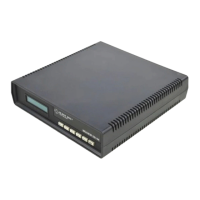
2.2 Front-Panel LCD and Controls
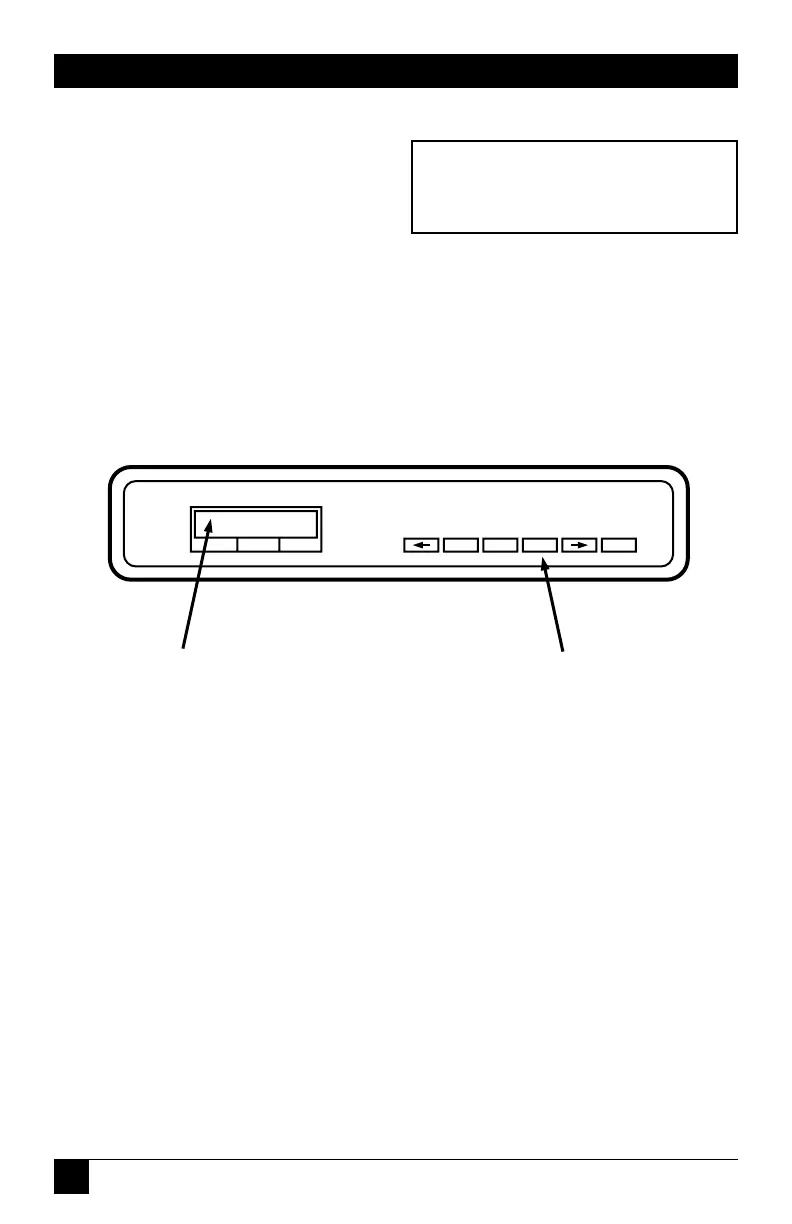
To select a Quick Setup
configuration (as explained in the
next section), you will need to use
the pushbuttons and liquid crystal
display (LCD) on the modem’s
front panel. These features are
shown in Fig. 2-2.
Fig. 2-2. Pushbuttons and LCD on the Modem’s Front Panel.
For a detailed explanation of the
front-panel controls, see Chapter 3.
V.32 bis/19.2M
Version 3.02


 To Next Page