28
MODEM 32144
be stored are listed in Chapter 4.)
The phone number is saved when
you return to the Main Menu. To
return to the EIA status screen,
press ENT three times.
Autodialing the Stored Number
To autodial the stored number
from the EIA status screen, press
the following pushbuttons in
sequence:
ENT
Pushbutton 3 (to select DIAL
from MAIN MENU screen 1)
Pushbutton 1 (to select DIAL
from the AUTO-DIAL screen)
When the local modem has
successfully established a
connection with the remote unit,
the EIA status screen should be
present. Typically this screen will
look like this:
DTRMRRSCSTD
9600 CD RD
If the modem’s LCD displays an
AUTO-DIAL FAILURE message,
refer to the explanations listed
below.
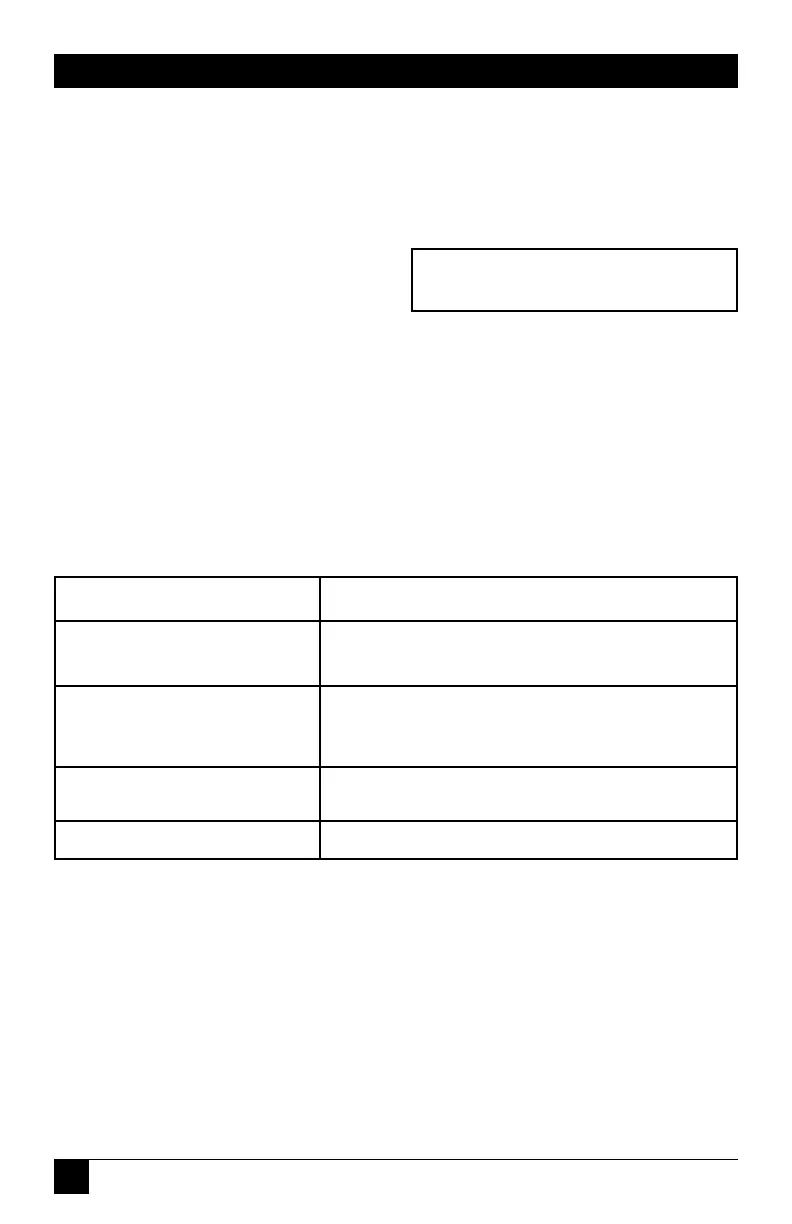
Table 2-3. Failure Message and Explanations.
Failure Message Explanation
LINE OCCUPIED The data line is already in use.
DIAL NOT ALLOWED Modem is not configured for dial
backup.
NO DTR DTR is not present.
NO LINE CURR Line current has been lost.


 To Next Page