Max Express Ethernet Switch LB9217A-R2 & Applicable Modules
15
Main Menu
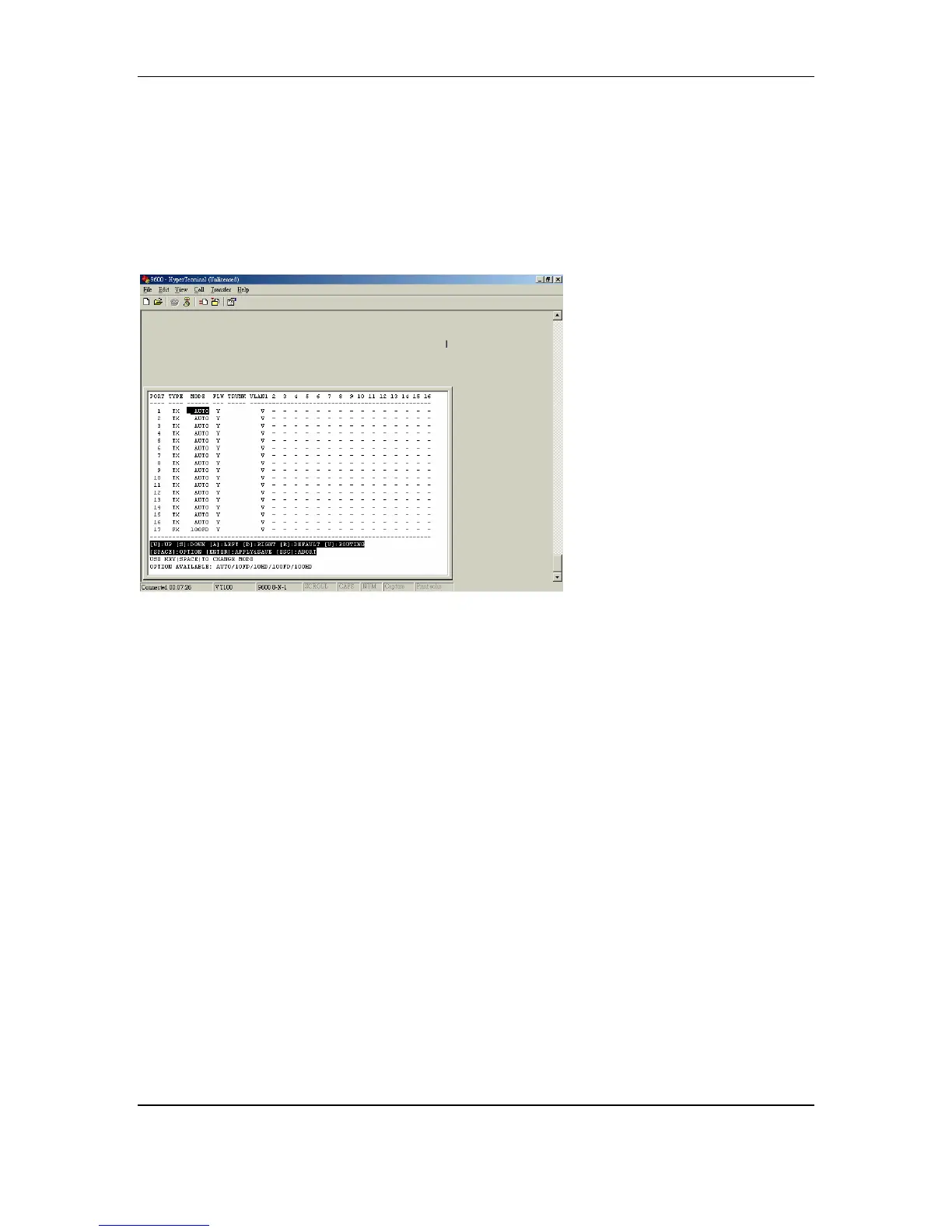
This main menu shows you the default configuration of the switch.
By default, all TX ports are set at auto-negotiation and flow control on, all FX
ports are set at 100Mbps with full duplex and flow control off, and all ports are
grouped into V1 (VLAN group 1).
These are the valid commands; capitalization is not required:
[W] Move the cursor up
[S] Move the cursor down
[A] Move the cursor to the left
[D] Move the cursor to the right
[R] Default
[V] Routing
[SPACE] Option
[ENTER] Apply and save the setting
[ESC] Abort



 To Next Page