Max Express Ethernet Switch LB9217A-R2 & Applicable Modules
20
Installation
This chapter gives step-by-step installation instructions for the 17-Port Switch.
Selecting a Site for the Switch
As with any electric device, you should place the switch where it will not be
subjected to extreme temperatures, humidity, or electromagnetic interference.
Specifically, the site you select should meet the following requirements:
- The ambient temperature should be between 32 and 104 degrees Fahrenheit (0
to 40 degrees Celsius).
- The relative humidity should be less than 90 percent, non-condensing.
- Surrounding electrical devices should not exceed the electromagnetic field
(RFC) standards for IEC 801-3, Level 2 (3V/M) field strength.
- Make sure that the switch receives adequate ventilation. Do not block the
ventilation holes on each side of the switch or the fan exhaust port on the
rear of the switch.
- The power outlet should be within 1.8 meters of the switch.
Connecting to Power
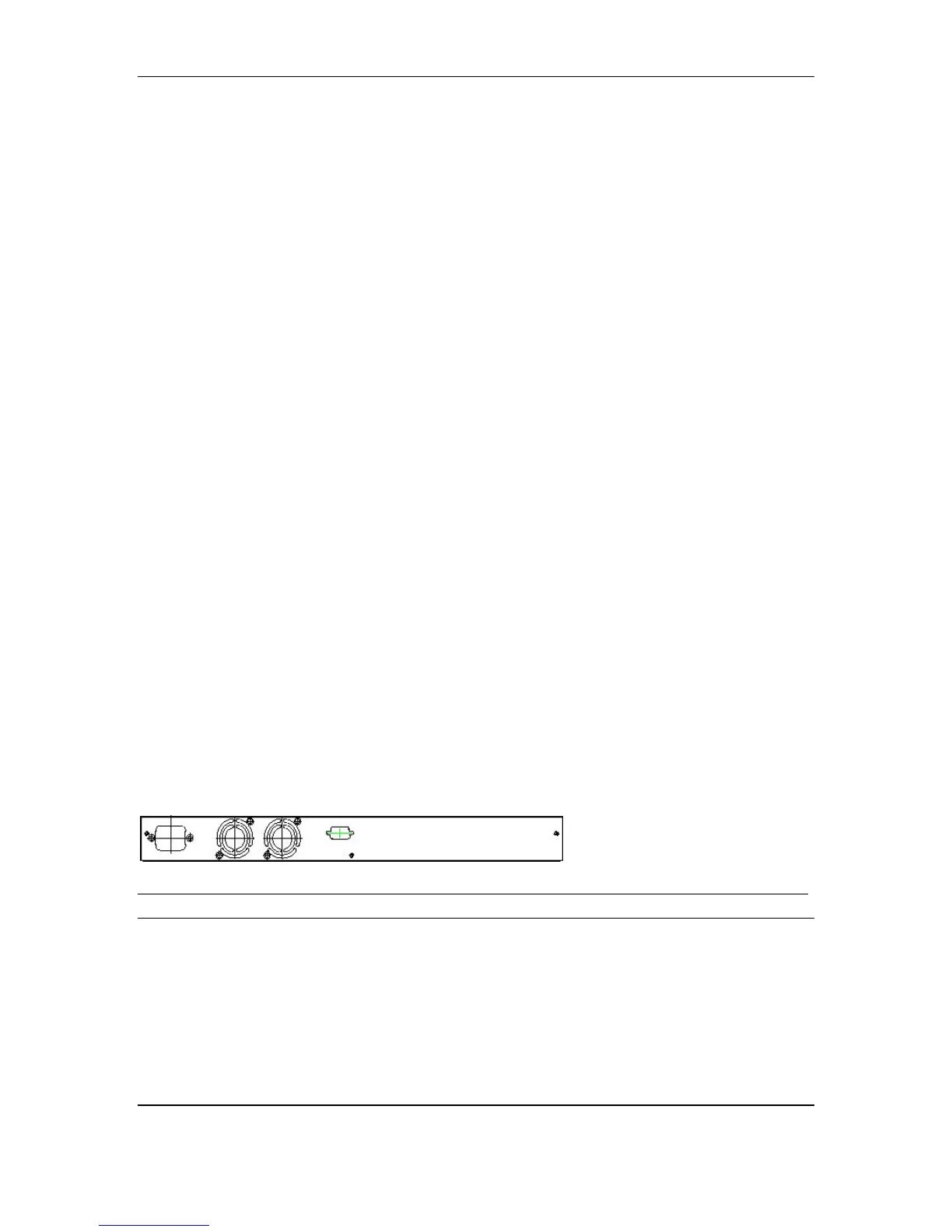
y Connect the supplied AC power cord to the receptacle on the back of the
switch, and then plug it into a standard AC outlet with a voltage range from
100 to 240 Vac.
Figure 5: Rear view of the switch



 To Next Page