Max Express Ethernet Switch LB9217A-R2 & Applicable Modules
19
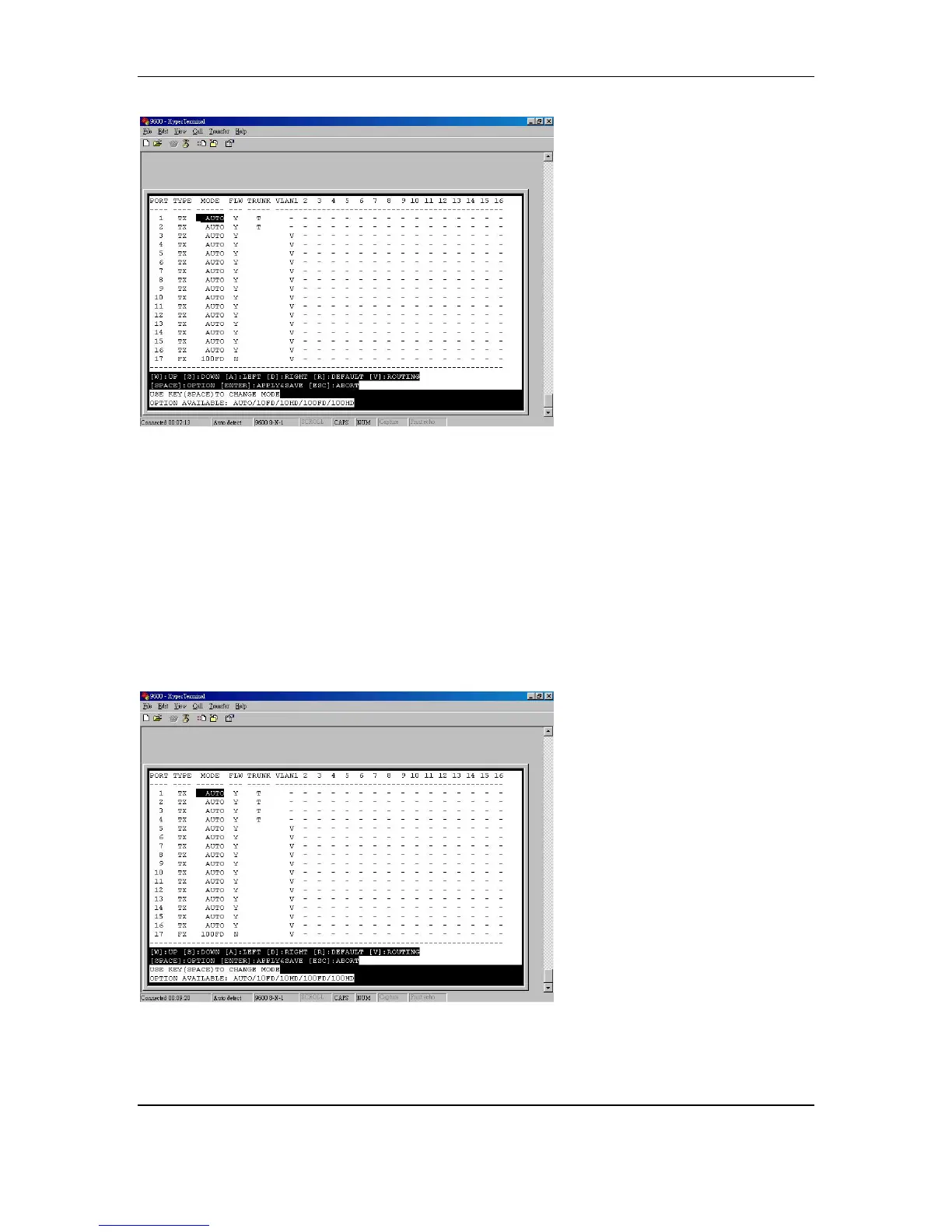
<NOTE> Can only choose port1 and port2 for 2-port trunking
Follow these steps to configure the 4-port trunking.
y Move the cursor to TRUNK column
y Move the cursor and select port 1
y Press [SPACE] and show T to port1 and port2
y Move the cursor and select port 3
y Press [SPACE] and show T to port3 and port4
y Press [ENTER] to apply and save the setting
<NOTE> The trunking ports will be disabled for VLAN group settings.



 To Next Page