Page 347
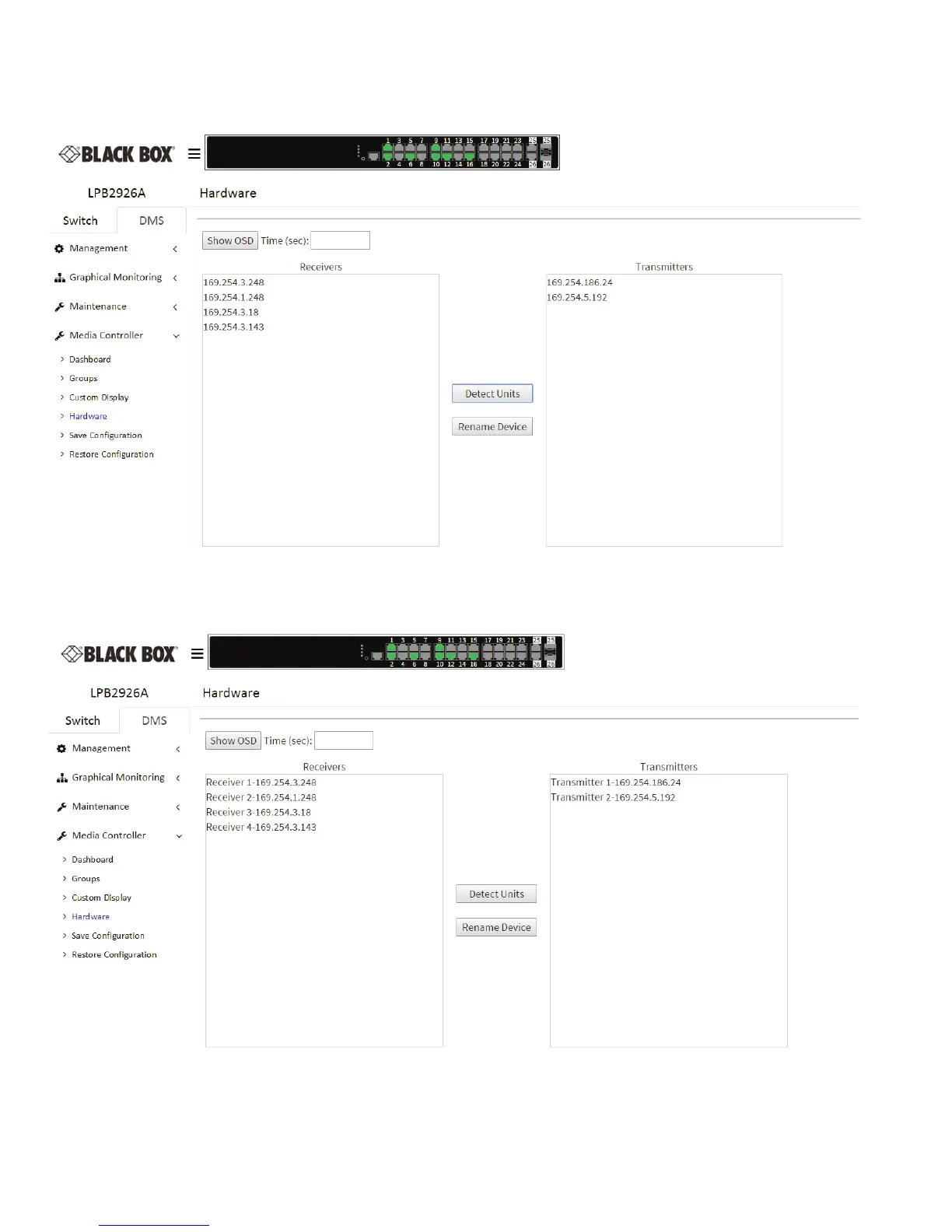
Once you open the Hardware tab, click on the Detect buon and the switch will detect all Media Cento units on the Network. They
will be grouped as Transmiers and Receivers.
Figure 9-9. Populated hardware screen.
You can highlight the dierent units and name them to make them easier to idenfy.
Figure 9-10. Hardware screen with units idened by name.












 To Next Page