ServView 17 Enterprise KVM Drawer
14
3.1 KVM Installation
Power ON
■ Turn off all servers and KVM switches.
■ Make sure all cables / connectors are properly connected.
■ The recommended Power ON sequence is monitor, KVM switch, and then finally the
computer.
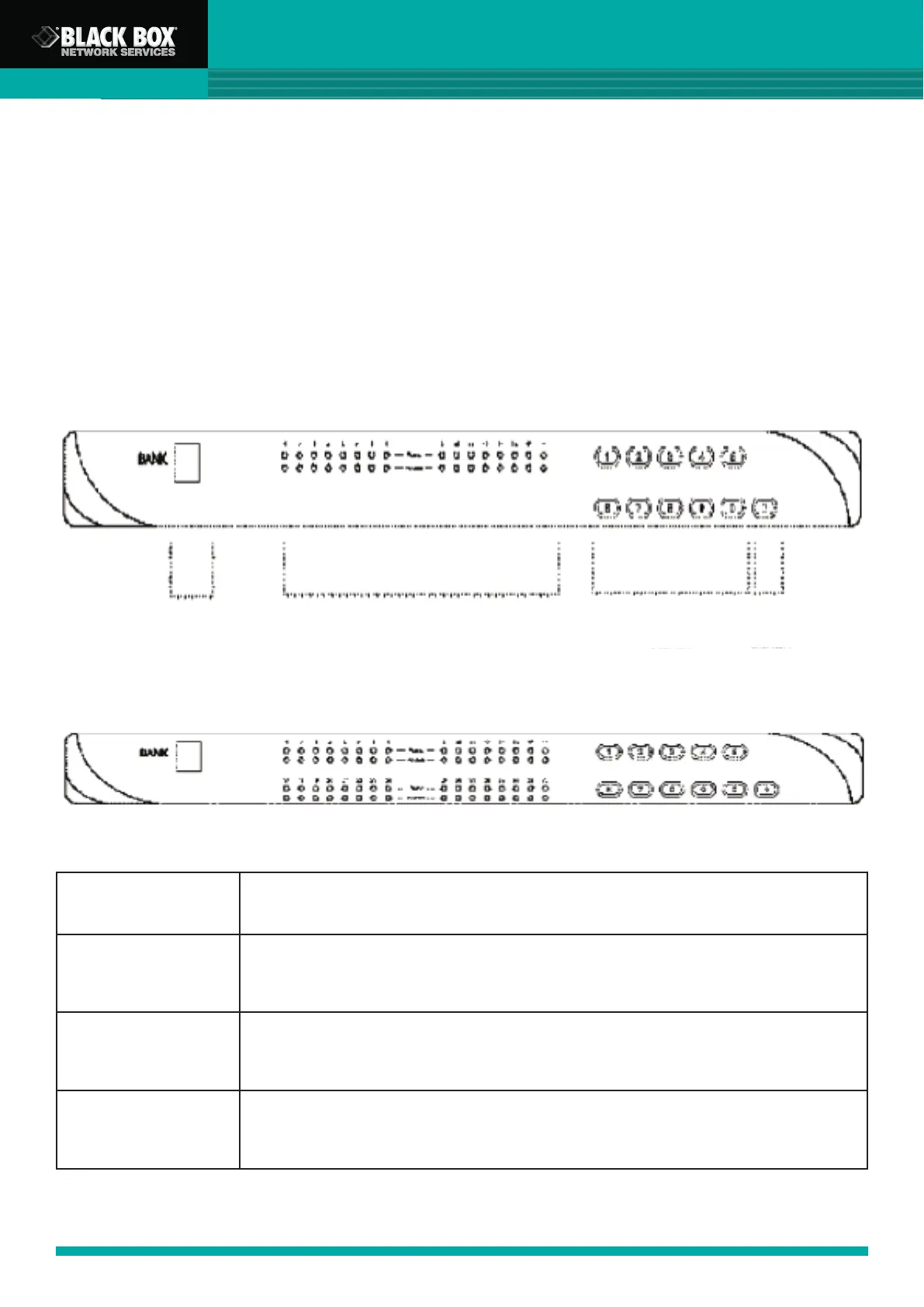
Front Panel - Port LED Indications
16 Ports
32 Ports
Bank No.
Bank
Button
PC Port LEDs
Channel
Button
Bank no. 7-Segment BANK LED indication
PC Port LEDs
Power: Orange LED on indicating a PC is connecting to the port
Access: Red LED on indicating a selected channel
Channel Button Enter to select channel from 01 to 32
Bank Button Select the bank from 1 to 8



 To Next Page