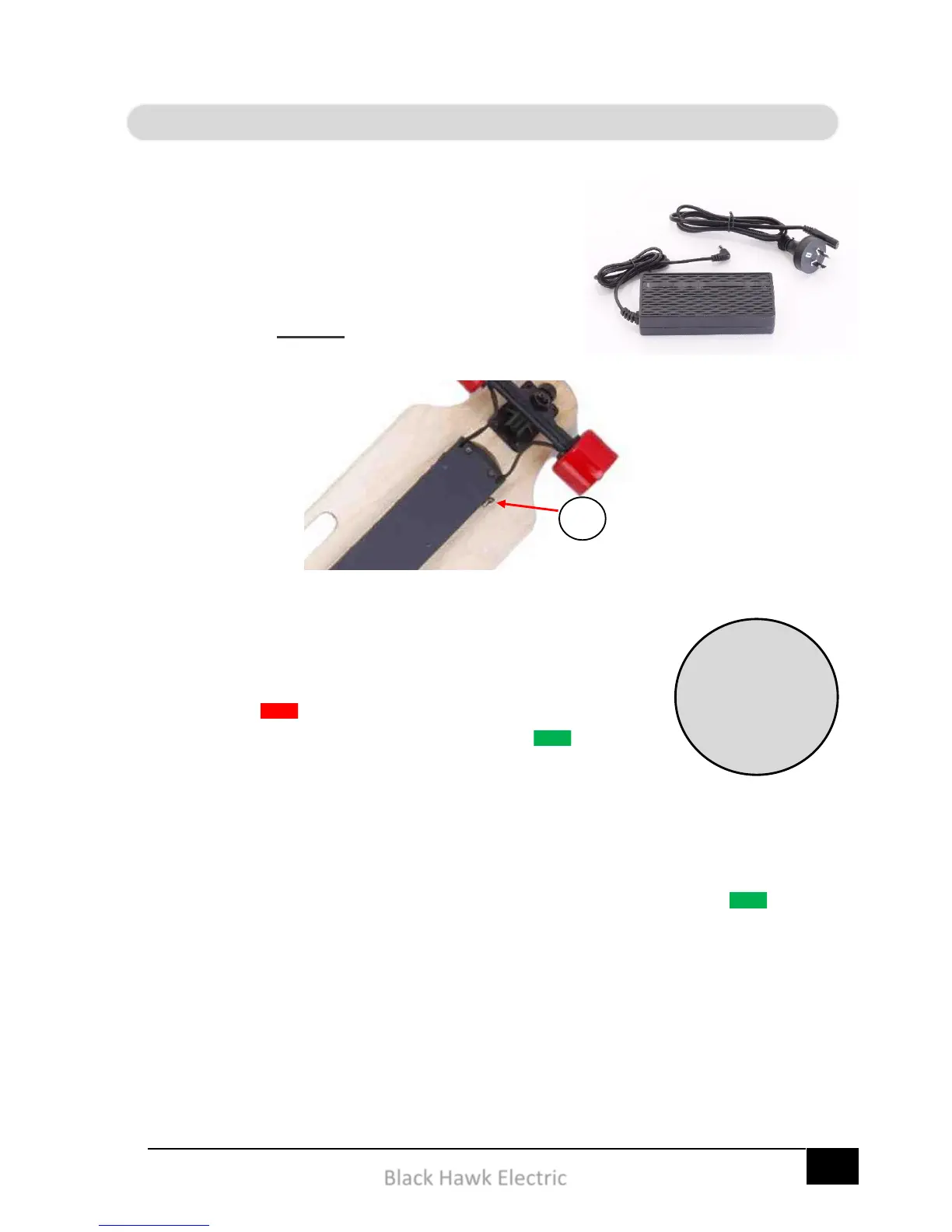
Charging of your electric skateboard is made
simple thanks to an intelligent smart-charger and
an on-board Battery Management System, (BMS).
When charging it’s important to connect the
charger and charger cord to the power outlet,
(wall socket) before connecting to the skateboard.
Your charger has two lights to display the charging
status.
A red light means your charger is connected
and charging the battery. A green light means
the charger has finished charging the battery. It can
also mean the charger is not connected.
Charging the hand control is also a simple process thanks to a one-
piece USB charging cord. Connect the hand control to a 12V USB
output via the supplied cord and the remote will glow green
when fully charged.
Charging the
Electric
Skateboard
takes 3 hours
from empty


 To Next Page