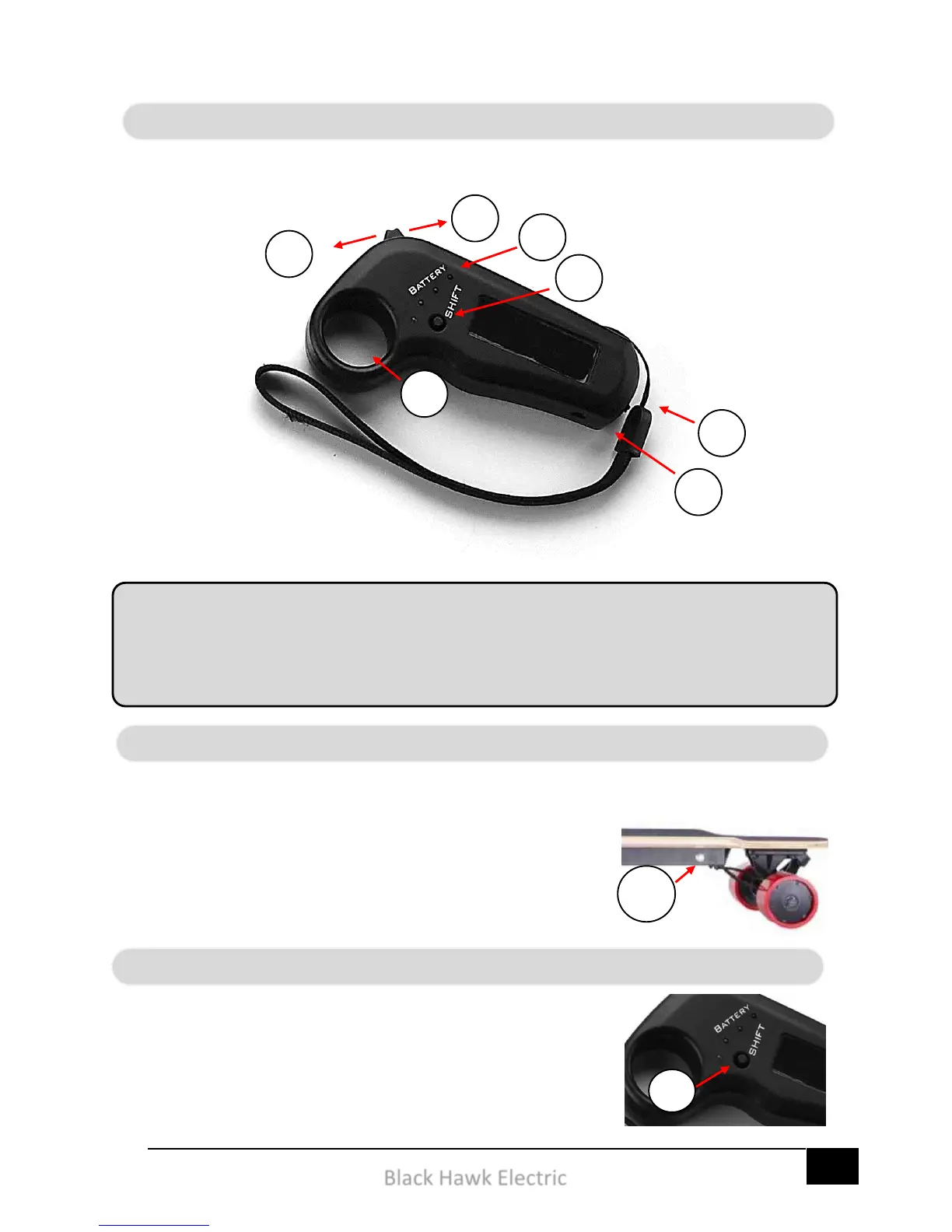
1 – Power on the skateboard
2 – Once on, press and the controller power button for a
couple of seconds.
3 – Once on, the indicator light should begin blinking slowly.
The controller features a speed mode switch which allows your
skateboard to switch between two different levels of power. In the
first setting, the skateboard operates in the beginner mode, (Speed
Mode 1). Then in the second setting the skateboard operates the
advanced mode, (Speed Mode 2). We recommend the use of
Speed Mode 2 in wide open spaces.


 To Next Page