Menu
(Works in black for explaining the menu function)
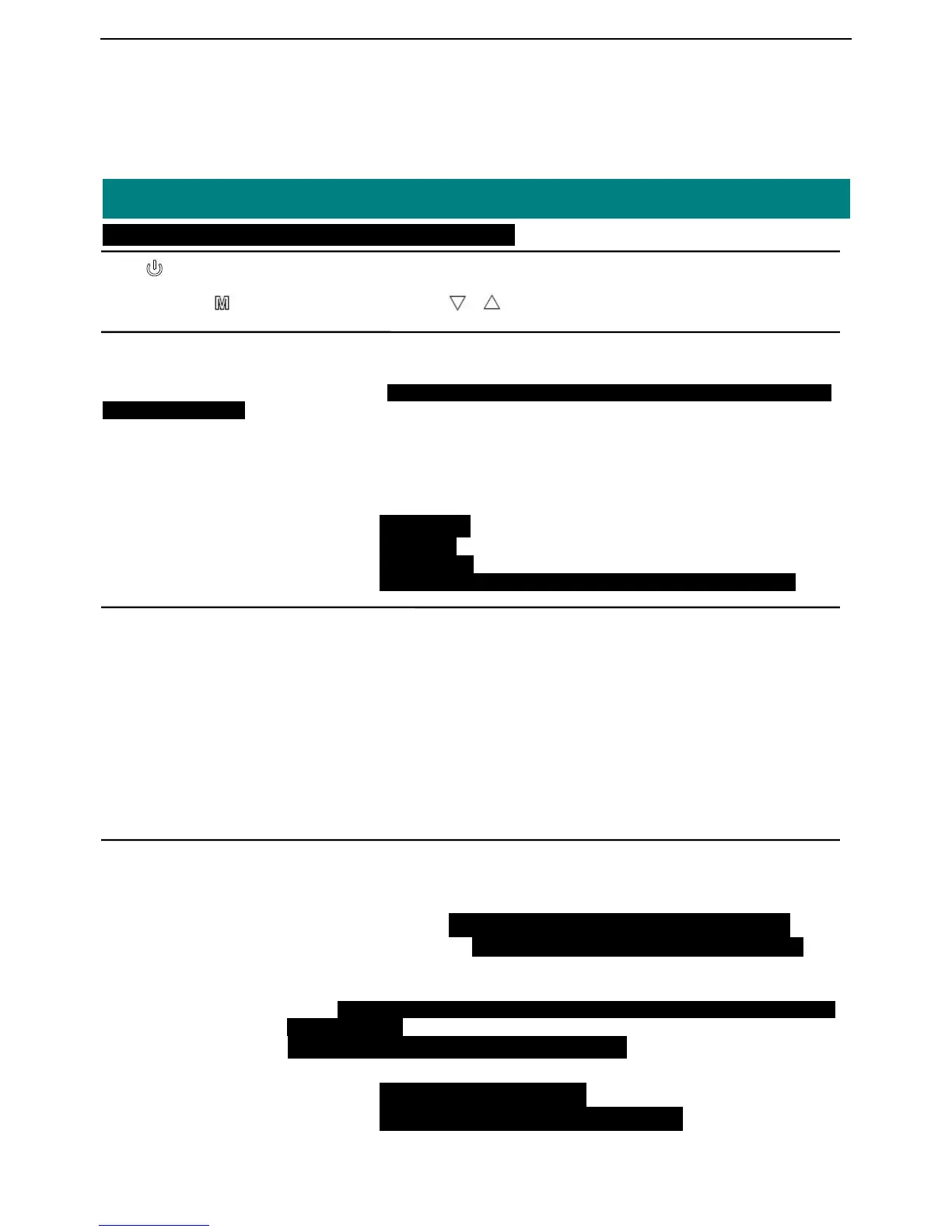
Press button into menu setup;these menu consists of 4 directories:Color、 Audio、Function、
Wireless;Press button to enter settings,press or button to browse options and adjust value.
Color
● Picture Mode Bright
Standard Default setup, we advise to use this setup,which applies to
most image display
Soft
User-Brightness、Contrast、Saturation、Sharpness
● Color Temp Warm
Normal
Cool
● DNR off turn off DNR
Low light noise
Mid middle noise
High strengthening noise, may reduce the quality of the image
Sound
● Sound Mode Standard
Class
Dance
Live
Pop
Rock
User-Bass、Treble
● Balance 0~20 adjust the volume balance of speakers;the default is 10,two speakers
with the same volume.
Function
● Language English、French、German、Spanish、Portuguese、Japanese、Russian、Italian
● OSD setting OSD Timeout 0~60S,can set up the menu shown time on the screen
Transparency 0~4 level,control menu into a translucent display effect
● Display Ratio 4:3
16:9
Auto default automatically that video will display full screen according to
input resolution
● Reset all specifications are back to factory settings
● Auto Power Off Off、15Mins、30 Mins、45 Mins、60 Mins
● Flip Horizontal On、Off mirror image display control
● Flip Vertical On、Off image 180 degree rotating display control


 To Next Page