Function Instruction
ZOOM Function
● Vertical Scaling
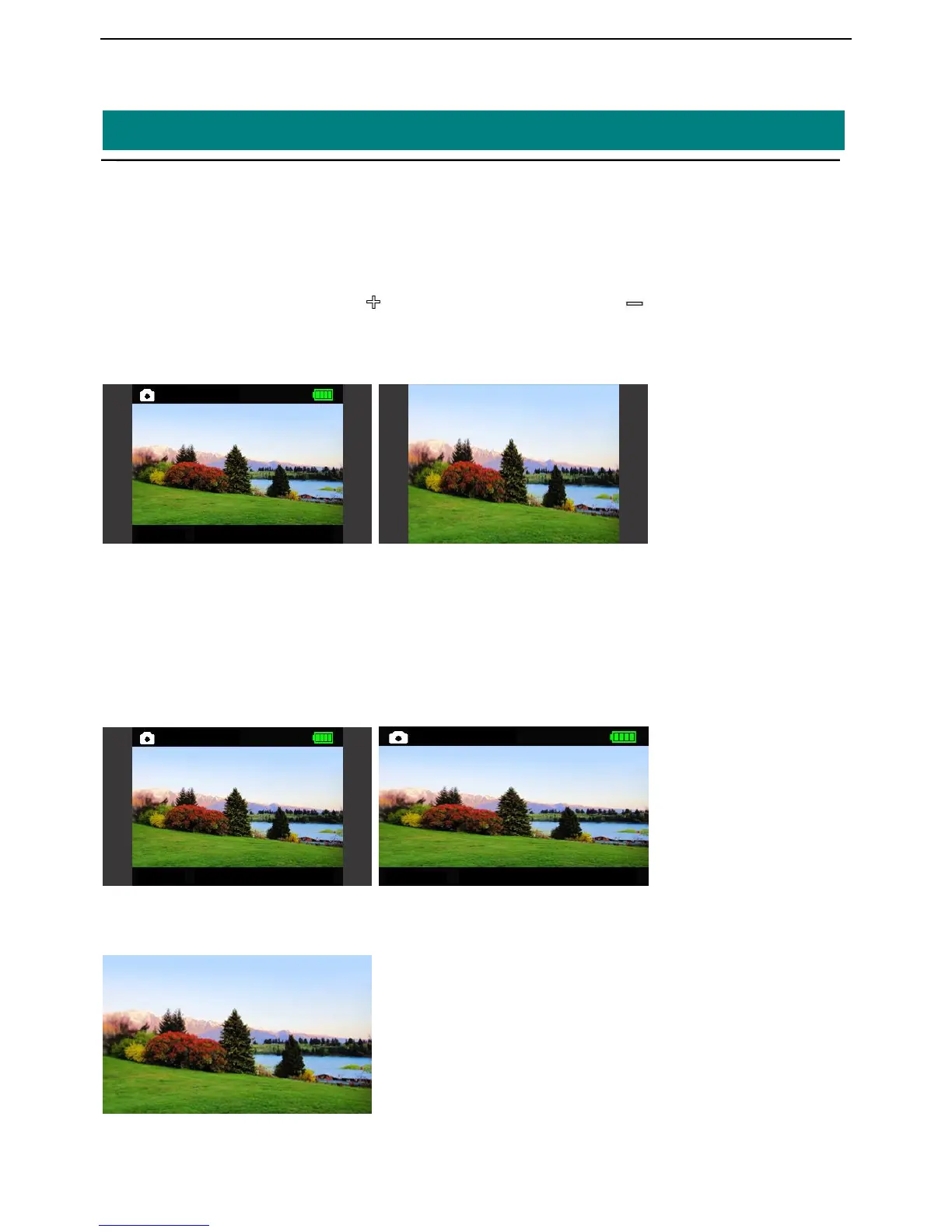
Use this function, can make vertical scaling, only show 16:9 moving image region of 4:3 picture on the
screen.
Support shortcut keys:Long press < >button to ZOOM IN,long press < > button to ZOOM OUT(back
to original scale)
Attention: NOT Support HDMI video vertical scaling.
For example: original scale ZOOM IN
● Horizontal Scaling
Use this function, can make horizontal scaling, change input 4:3 image into 16:9 image displayed on
the screen.
The default in 16:9 mode (ZOOM IN full screen display), to change settings, please enter the
menu->Function-> Display
Ratio to choose 4:3 or 16:9 displaying.
For example:Original scale 16:9(ZOOM IN)
Through these functions can realize image full screen easily display, in order to obtain the best display
effect,enable the above functions at the same time can also obtain the following display effect:


 To Next Page