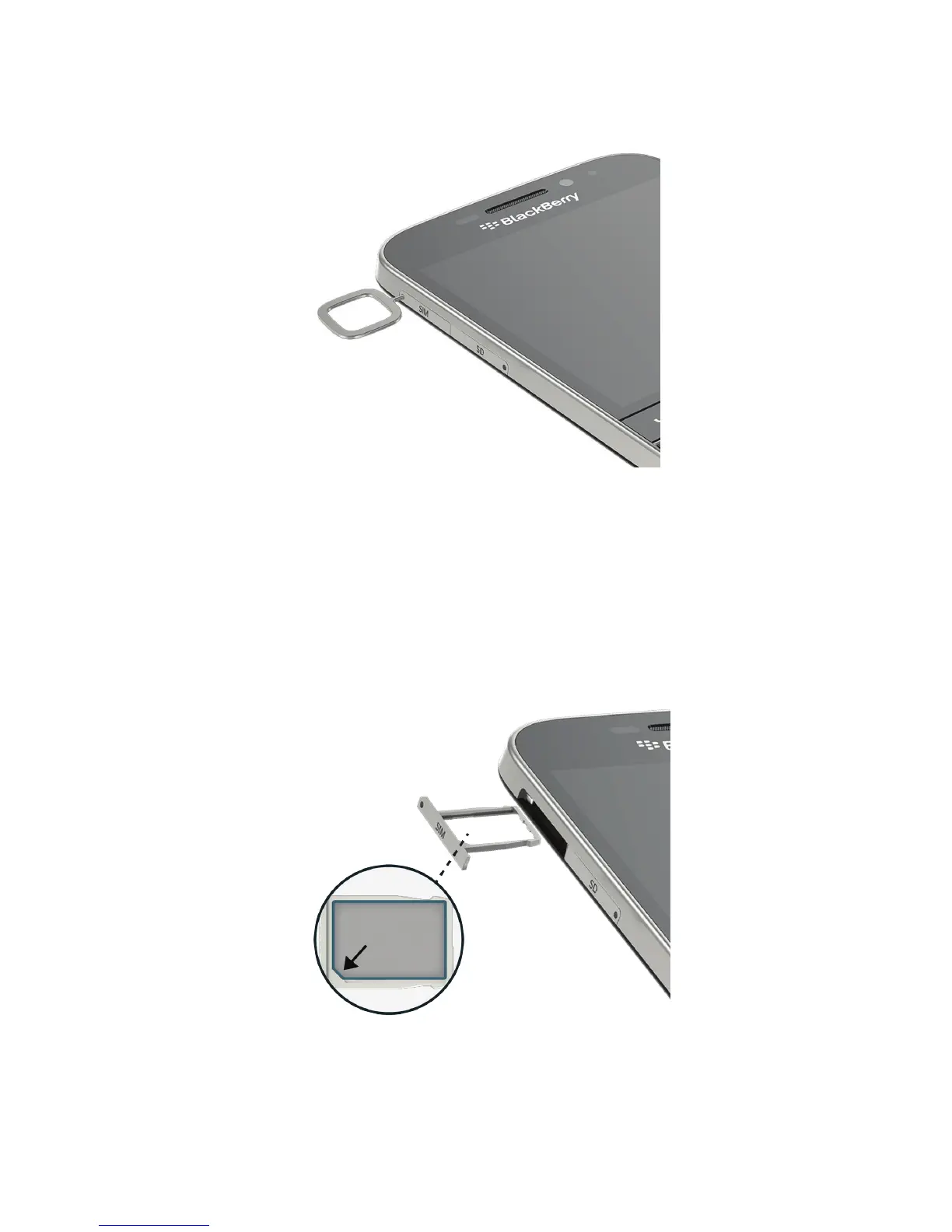
3. Pull out the tray completely and set it on a flat surface.
4. To verify that the tray is set with the correct side up, make sure you can read
SIM on the side of the tray.
Place the SIM card in the tray
1. Hold the SIM card so that the metal contacts are facing down and the notch is aligned with the notch in the tray.
2. Put the SIM card in the tray.
3. Push the
SIM tray into the slot in your device.
User Guide Setup and basics
23












 To Next Page