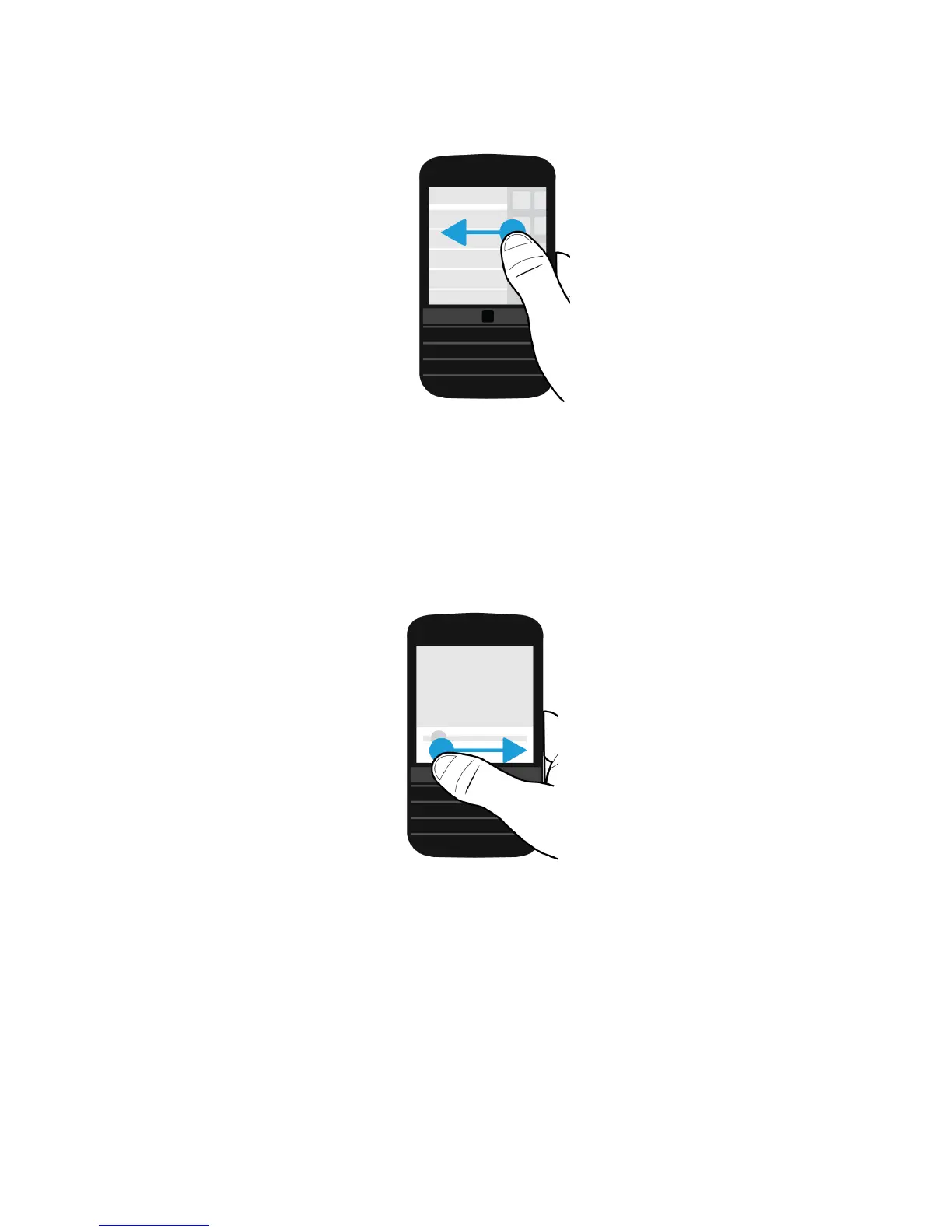
Use a slider
If a slider appears on your screen, you can use the slider to progress through a file, such as a song or video, or scroll
through multiple pages, such as the pages of an eBook.
On the slider, drag the slider handle.
Select items
Do any of the following:
• To select an item, simply tap it. If the item can be opened, it opens.
• To highlight an item without opening it, touch and hold the item.
User Guide Setup and basics
30












 To Next Page