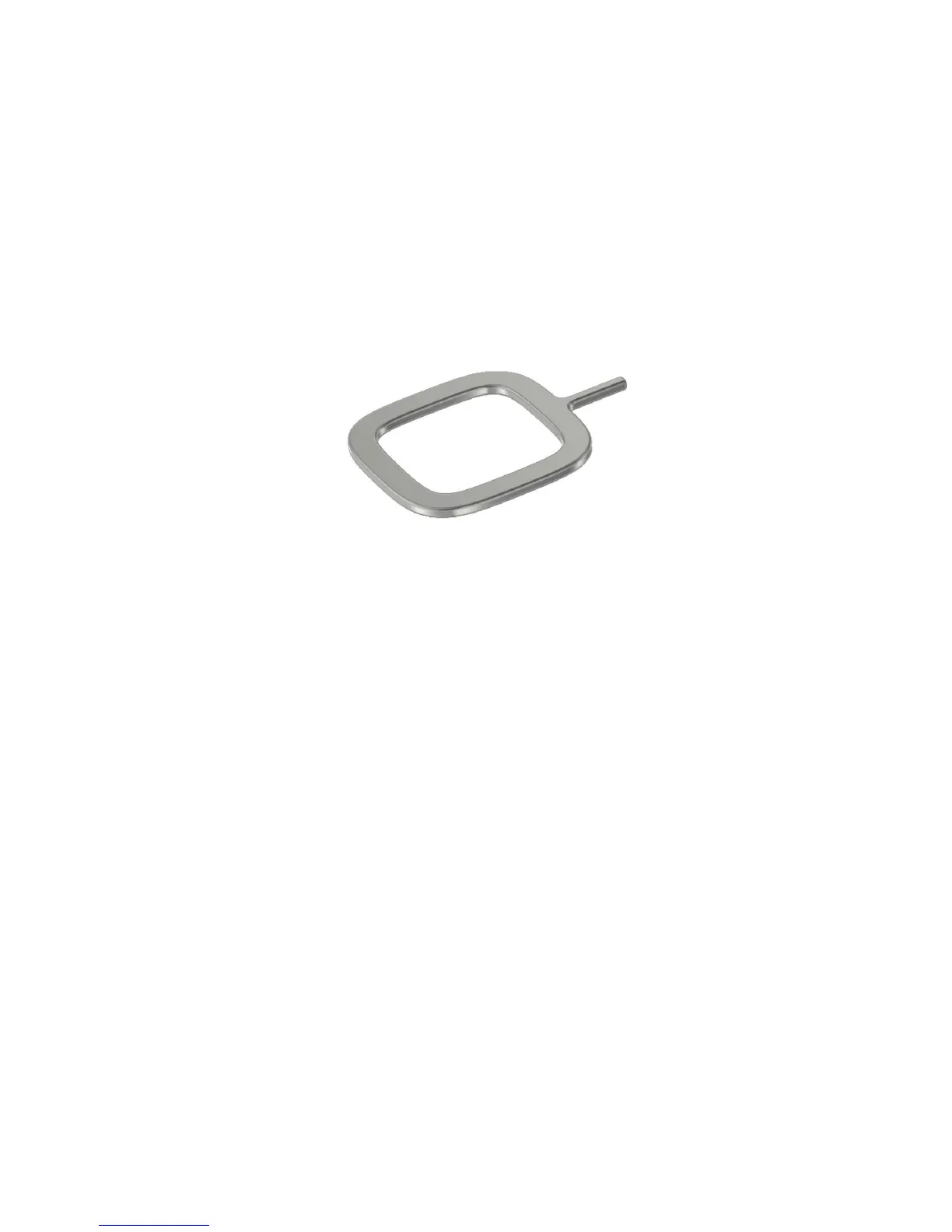
Before you begin
Make sure that you have the following:
• A nano SIM card. If you don't have a nano SIM card, contact your service provider.
CAUTION
: Do not use a larger SIM card that was cut to a smaller size. Your BlackBerry device might not recognize the
SIM card, or the SIM card might get stuck because it is thicker than a nano SIM card.
• A paper clip or the tool provided in the box that your device came in.
Remove the SIM tray
The back cover of your device is not designed to be removed. The SIM card is placed in a tray that you pull out on the side
of your device.
1. Locate the
SIM tray. It's on the upper-left side of your device.
2. Push the tip of the paper clip or tool into the hole next to the word
SIM.
User Guide Setup and basics
22








 To Next Page