Switching from a
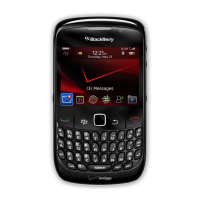
BlackBerry device
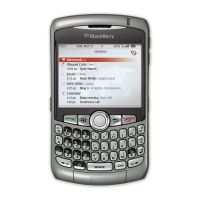
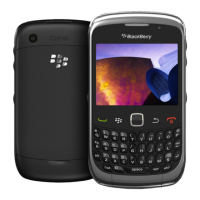
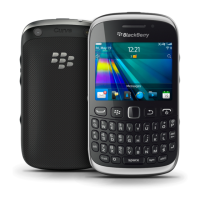
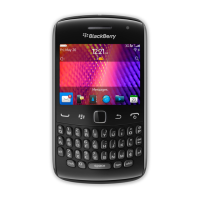
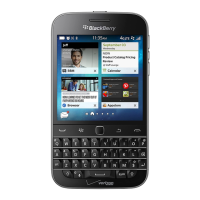
When you switch from a BlackBerry device to a BlackBerry 10 device, several methods are available to transfer data. The
transfer method that you use depends on the types of data that you want to transfer and the version of device software that
your previous device is running. The following table is designed to help you identify the best transfer method for you.
Transfer method Data transferred Requirements
Device Switch app
• Contacts
• Calendar entries
• Pictures (not DRM)
• Videos (not DRM)
• Documents
• Notes/Memos
• Tasks
• Music
• SMS messages
• Email account info
• Device Switch app must be
installed on both devices
• Both devices must be connected to
the same Wi-Fi network
Media card
• Music
• Pictures
• Videos
• Alarm settings
• BBM contacts
• BlackBerry Browser bookmarks
and folders
• Text messages (SMS and MMS)
• Phone history
• Wireless connection profiles
• Removable media card
• Previous device must be running a
version of BlackBerry 7
BlackBerry Link Data saved to the storage space on
your previous device, including the
following:
• Contacts
• Music
• Pictures
• Videos
• Calendar entries
• Settings
• Phone history
• Fonts
• BlackBerry Link installed on a
computer
• Computer
• USB cable
• Previous device must be running
BlackBerry Device Software 5.0 or
later
User Guide Setup and basics
36








 To Next Page