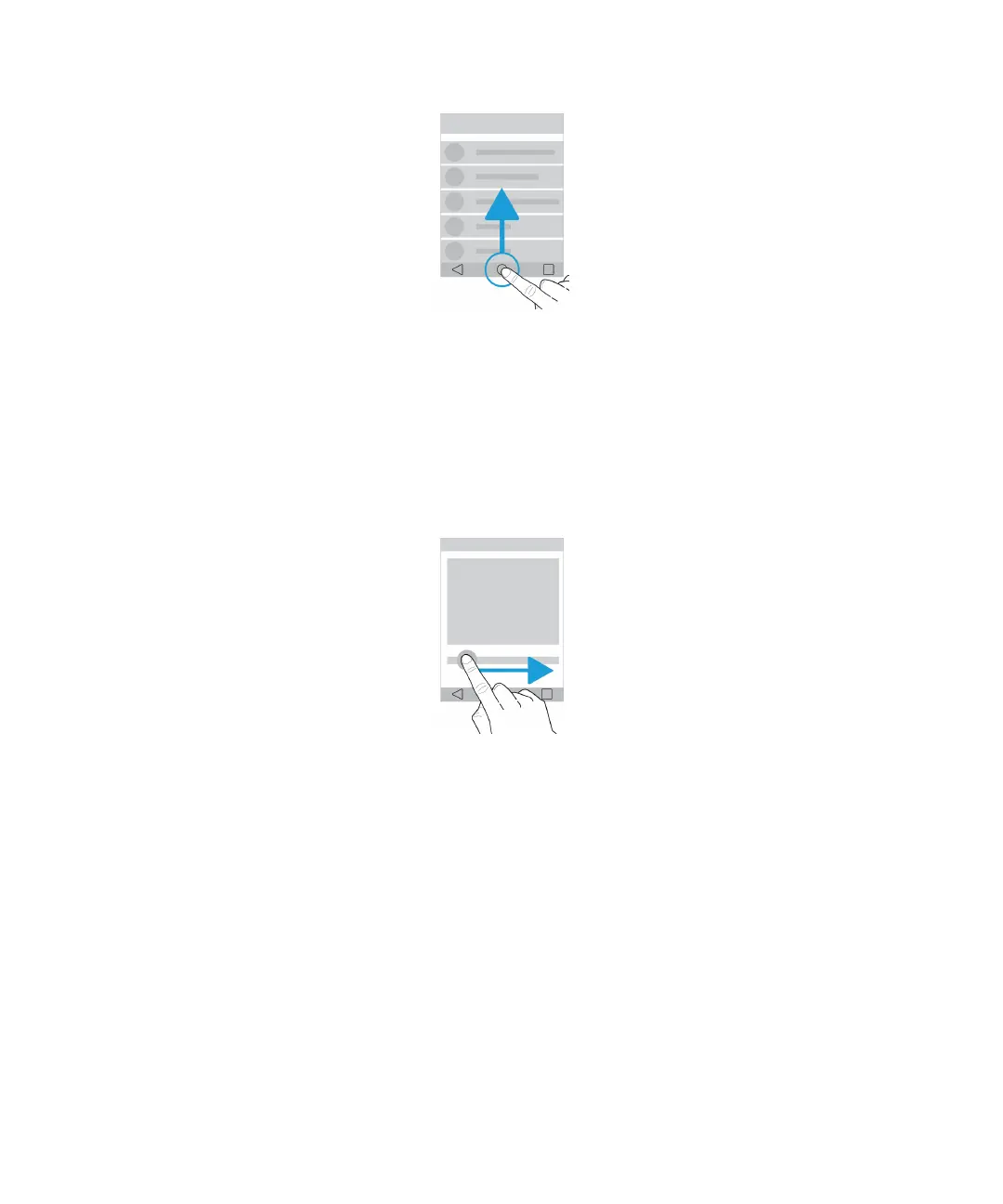
Use a slider
If a slider appears on your screen, you can progress through a
file, such as a song or video, or adjust a setting, such as the
screen brightness.
Drag the slider handle to the right or left.
Zoom in to or zoom out from the screen
If you want to see something in more detail, such as a photo or part of a map, you can magnify the image.
To zoom in, slide two fingers apart.
User Guide Setup and basics
13















 To Next Page