4
SOFTWARE
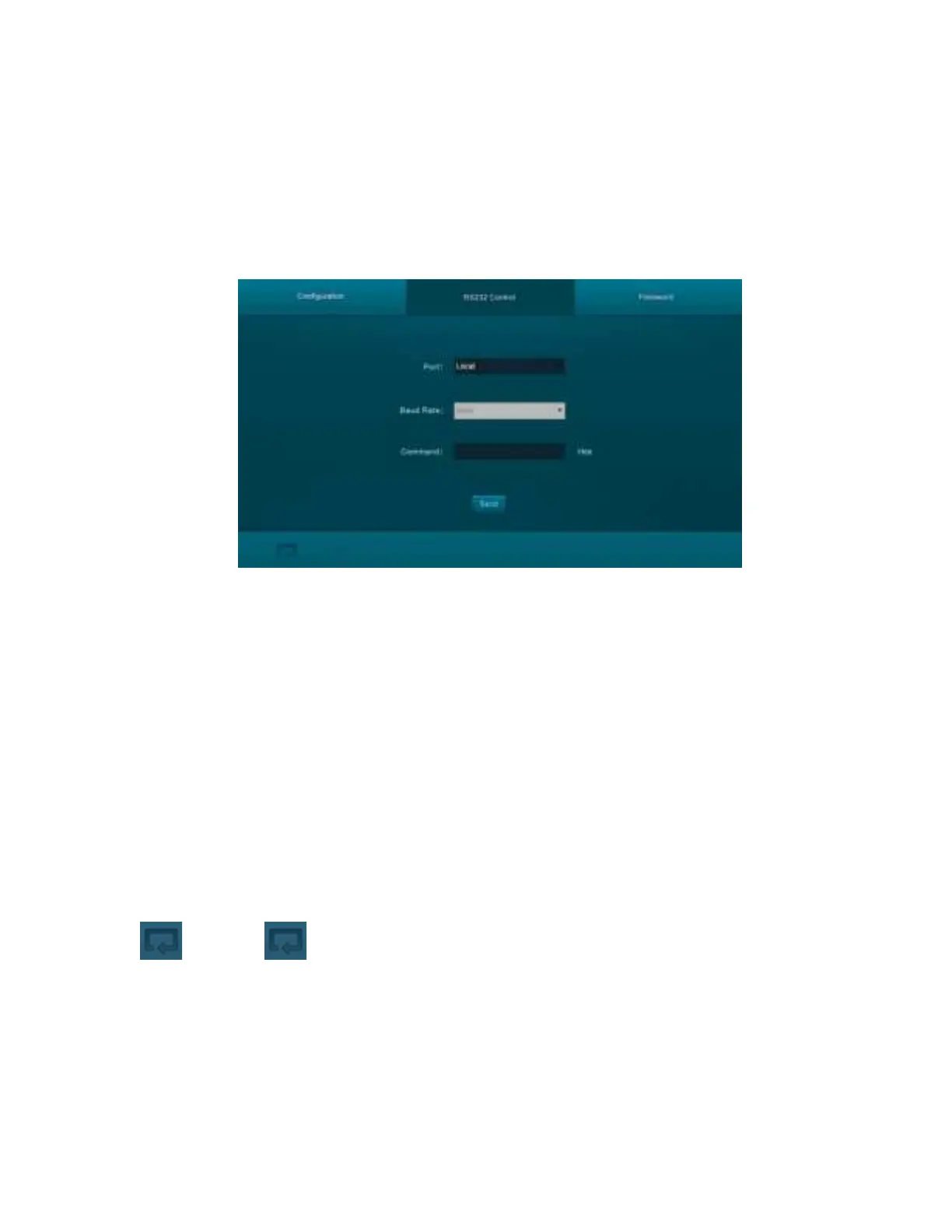
Web GUI RS-232 Control
You can issue RS-232 commands using the
RS232 tab of the built-in Web GUI system. Refer
to the full
User's Manual
for connection details to use this interface.
Port: Use the pull-down list box to select Local, which refers to the RS232 port of the
scaler/switch, or HDBT, which refers to the RS232 port of the HDBaseT™ receiver.
Baud Rate: Use the pull-down list box to set the baud rate. The baud rate for the Local
port is fixed at 9600, but the HDBaseT receiver can accept other baud rates. The
available baud rates for the receiver are
2400, 4800, 9600, 19200, 38400, 57600,
and 115200.
Command: Type the desired RS-232 command in to the text field.
Hex: Check the Hex checkbox if the RS-232 command is in hexadecimal format. Leave it
unchecked if the command is in decimal form.
Send: Click the Send button to send the RS-232 command to the selected RS-232 port.
: Click the icon to display the
Control screen.


 To Next Page