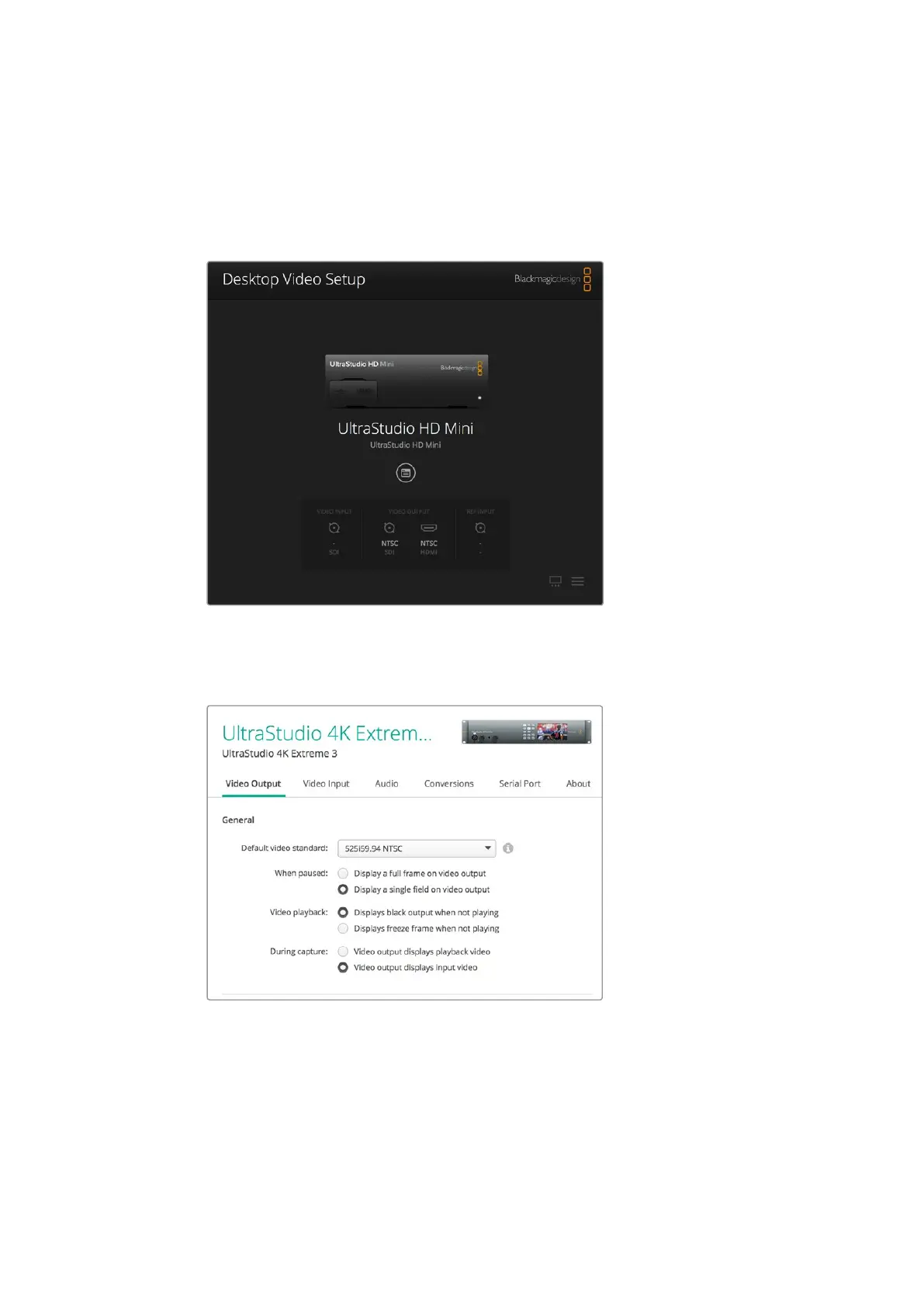
If you have multiple Blackmagic capture and playback devices connected, you can cycle
through them by clicking the arrow buttons on the sides of the home page. To configure
settings, simply click on the hardware image, or the settings icon located below the hardware
name. The Desktop Video Setup utility only displays the settings that are relevant to your
selected hardware, so you don’t have to scroll through pages of menus to find the settings
you want.
Blackmagic Desktop Video Setup home page
The following pages of this manual will show you how to adjust settings using Blackmagic
Desktop Video Setup.
Blackmagic Desktop Video Setup lets you adjust video and audio
input and output settings, apply up or down conversions during
capture and playback, and provides information about the driver.
16Blackmagic Desktop Video Setup



 To Next Page