Page 8
SET UP & USE
OPERATING INSTRUCTIONS
Place the heater on a firm, level surface and plug the unit directly into a 120 V AC
electrical outlet.
When the heater is plugged in it will be in standby mode.
Press the POWER button on the heater or the remote control to start the heater.
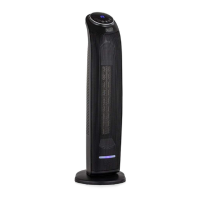
The heater will supply HIGH heat and show temperature of 95°F on the digital display.
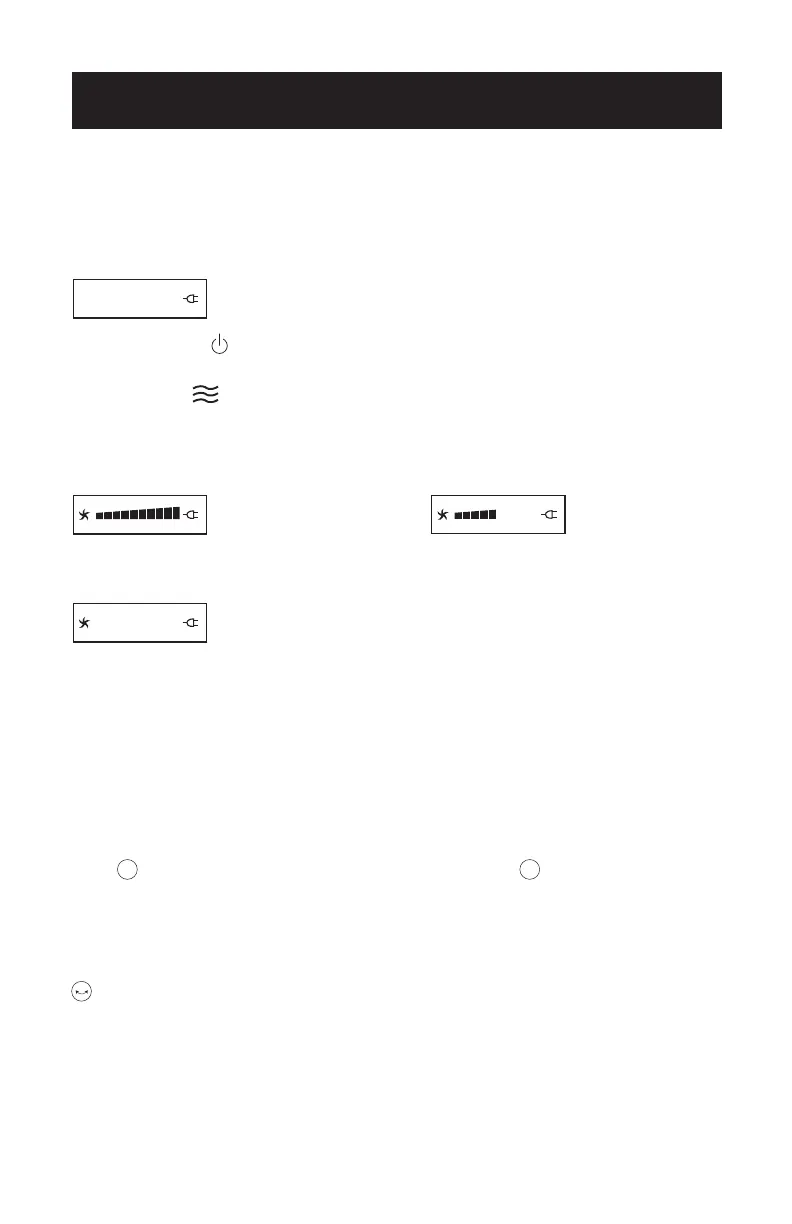
Press the Mode button repeatedly to scroll through High Heat, Low Heat, Fan
Only, E-Save Settings.
High Heat (1500 Watts). Low Heat (900 Watts).
FAN ONLY E-SAVE function
E-Save Function
When the E-Save function is activated and shows on the digital display, the
heater will automatically select power levels based on the selected temperature and
room temperature. The heater will cycle between these settings to achieve maximum
comfort while using lower wattage settings to save energy.
Setting to Temperature Levels (40 °F - 95 °F)
Press to increase the set temperature by 5 °F and press to decrease the set
temperature by 5 °F increments each time you press until your desired temperature is
set. The selected temperature will show on the digital display
Oscillating Air Flow
Pressing this button will active the oscillating air flow. Press again to shut o this
function.
eco
eco
–+
Osc


 To Next Page