EasyManua.ls Logo

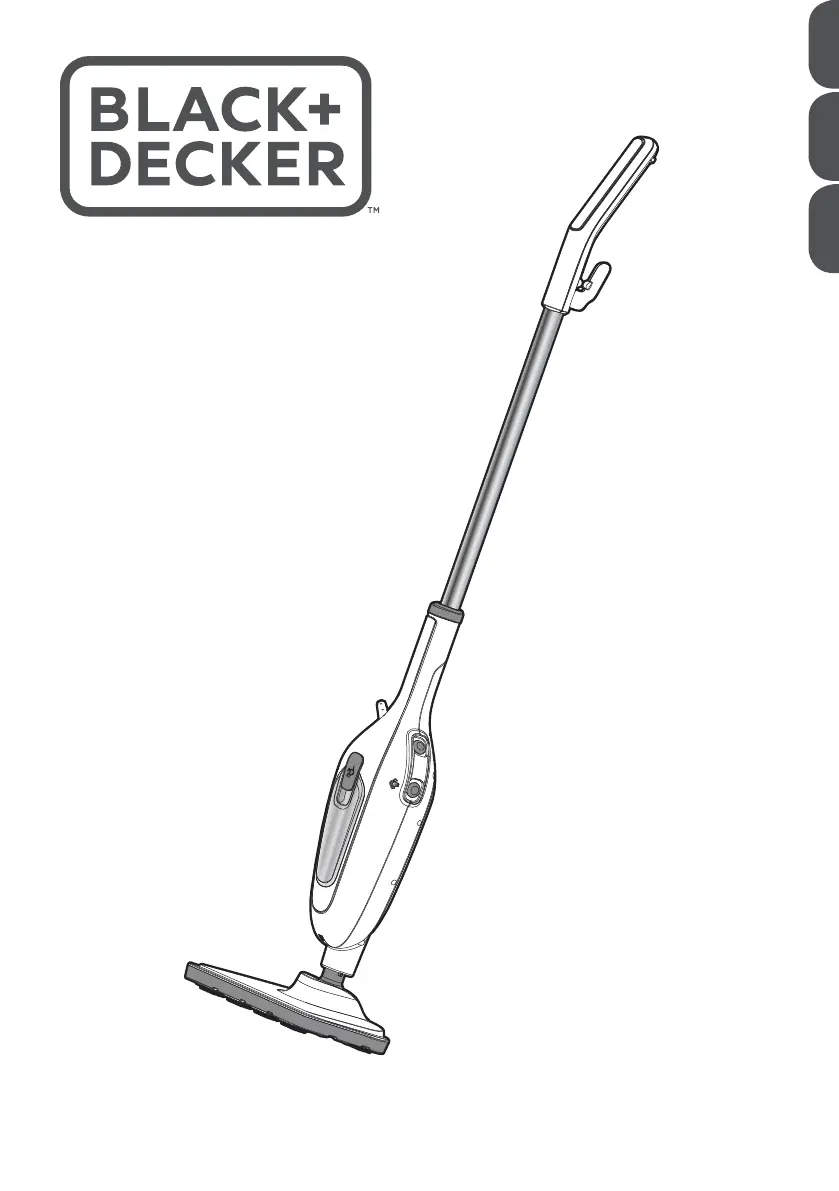
Black+Decker FSMH13E5 - User Manual

Black+Decker FSMH13E5
20 pages
Print Icon
To Next Page IconTo Next Page
Loading...
www.blackanddecker.ae
FSMH13E5
FSMH13E10
AR FR EN

Other manuals for Black+Decker FSMH13E5

Questions and Answers

  • C
    Christopher BrownAug 5, 2025
    What to do if my Black+Decker Steam Cleaner is not producing steam?
    • J
      justin25Aug 5, 2025
      If your Black+Decker Steam Cleaner isn't producing steam, first ensure the water tank is full. Note that it may take up to 45 seconds for steam to be produced when first filled or after running dry. Also, verify that the steam generation button is in the ON position. If the steamer overheats, it will switch off. In that case, turn off and unplug the steamer, allow it to cool for 2 to 4 hours, and then try again.
  • K
    kendranelsonAug 13, 2025
    How to fix a Black+Decker FSMH13E5 Steam Cleaner that is not turning on?
    • J
      Jordan DavisAug 13, 2025
      If your Black+Decker Steam Cleaner is not turning on, check that it is properly plugged into the wall socket and that the ON/OFF switch is in the ON position.
  • B
    Brittany BakerAug 20, 2025
    What to do if my Black+Decker Vacuum Cleaner steam mop is not producing steam?
    • K
      Kimberly HarmonAug 20, 2025
      If your Black+Decker Vacuum Cleaner steam mop isn't producing steam, first ensure the water tank is full. Note that it may take up to 45 seconds for steam to be produced when first filled or after running dry. Also, check that the steam generation button is in the ON position. If the steamer overheats, it will switch off. If this happens, turn off and unplug the steamer, allow it to cool for 2 to 4 hours, and then try again.
  • M
    Martin White IIAug 27, 2025
    How to fix a Black+Decker Vacuum Cleaner steam mop that is not turning on?
    • S
      Susan MccormickAug 27, 2025
      If your Black+Decker Vacuum Cleaner steam mop is not turning on, check the following: * Ensure the unit is properly plugged into the wall socket. * Verify that the unit is switched on using the ON/OFF switch. * Check the fuse in the plug.

Summary

Safety Instructions

Intended Use

Specifies the product's designed purpose and limitations.

Safety of Others

Outlines precautions for children and vulnerable users.

Product Assembly and Setup

Attaching Handle and Steam Head

Instructions for connecting the handle and steam head to the unit.

Attaching Cleaning Pad

Guidance on how to attach the cleaning pad to the steam mop.

Product Operation Guide

Cleaning Pad Handling

Steps for removing and attaching cleaning pads.

Accessory and Handheld Use

How to fit accessories and use the handheld mode.

Filling Water Tank and Steam Cleaning

Instructions for filling the water tank and steam cleaning floors.

Environmental Protection

Technical Data & Troubleshooting

Common Operational Issues

Steps to resolve power and steam production problems.

Support and Accessories

Guidance for obtaining further information and purchasing accessories.

Product Warranty Information

Black+Decker FSMH13E5 Specifications

General IconGeneral
BrandBlack+Decker
ModelFSMH13E5
CategorySteam Cleaner
LanguageEnglish

Related product manuals