15
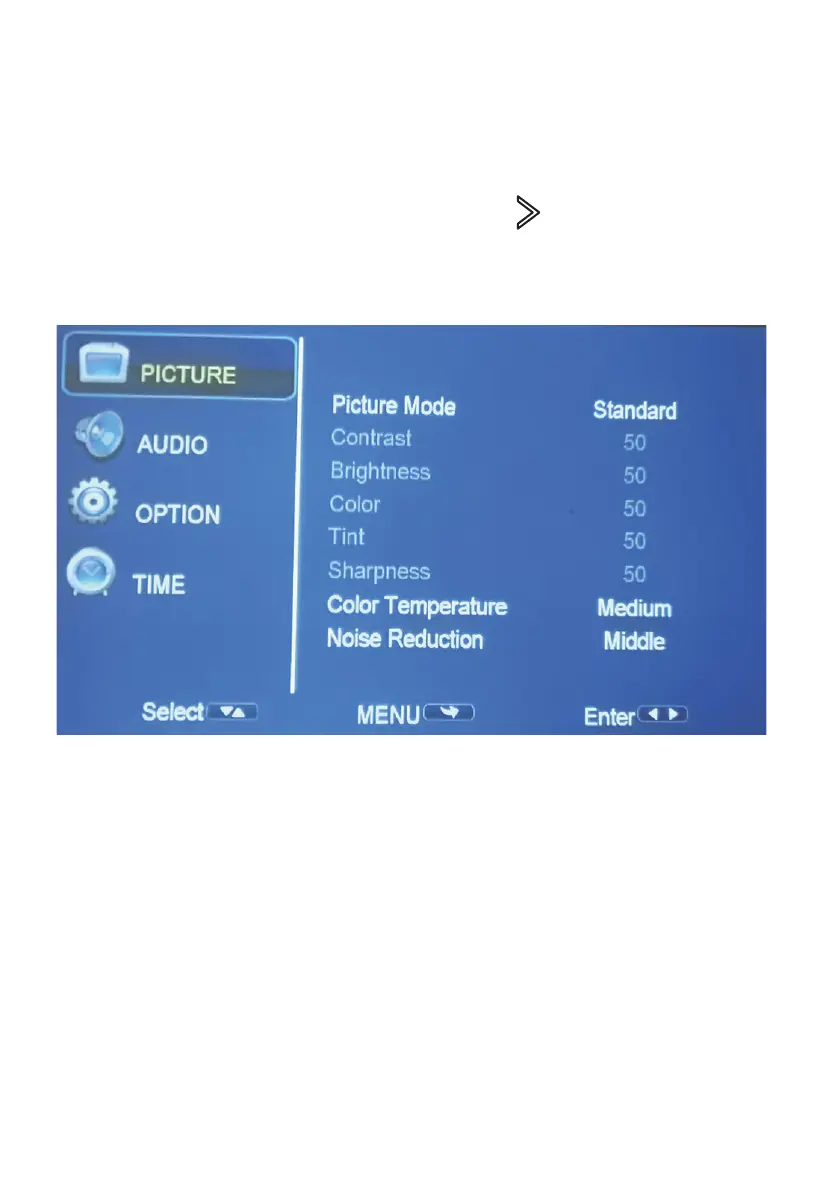
SETTING - PICTURE
To Access the setting PICTURE menu:
1. Press the MENU button on the Remote Control.
2. With the directional keys, Press the RIGHT arrow button to enter
PICTURE settings.
3. To navigate back to PICTURE/AUDIO/OPTION, with nothing selected,
Press MENU button.
PICTURE MODES: Standard, Soft, Vivid, User
(contrast, brightness, sharpness, colour).
COLOUR TEMP: Adjust between Medium, Cool, Warm.
NOISE REDUCTION: O, Low, Middle, High, Default.


 To Next Page