13
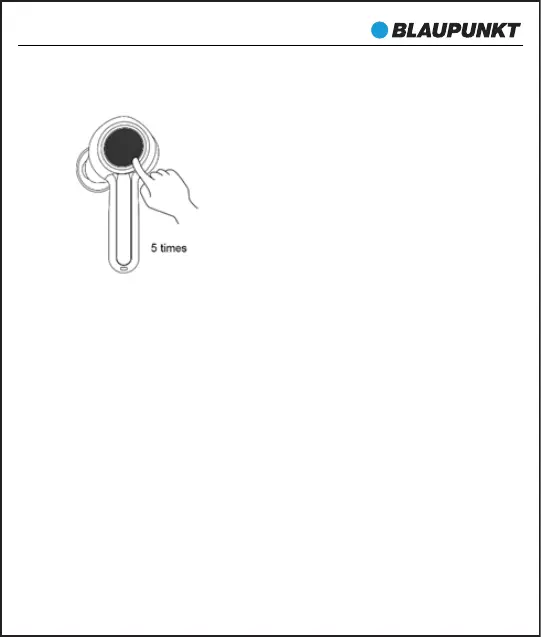
cleared when emits prompt tone. The other earbud cleans the
pairing list by doing the same.
3. The earbuds will enter TWS pairing mode automatically when they
are turned on (indicator light status: red and white lights ash
slowly). After successful connection, the primary earbud (L) will
emit “Pairing” after a "dang" prompt, which indicator light status
will be: red LED and white LED ash alternately (it keeps waiting to
be paired with your phone), while the secondary earbud (R) will
emits ‘dang’ and indicator status will be: white LED ash twice
every 5 seconds.
Remarks:
• Normally the two earbuds will connect automatically once you
have taken them out of the charging case, which set in factory.
• You can connect the two earbuds according to the above mentioned
operation if they failed connecting.
BTW-Pro


 To Next Page