4
Remarks:
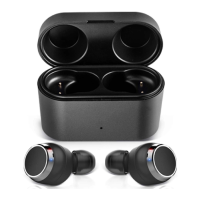
• Please cover the charging case cover so that the earbuds and the
charging case connect well when it is charging.
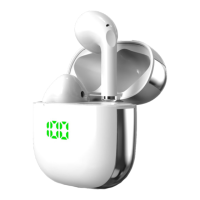
• When the earbuds are not put into charging case, the indicator light of
charging case is off. When the earbuds are put into charging case, the
white indicator light of the charging case will light up and indicate
the power of the current charging case:
White LED ashes once every 2 seconds = low battery power;
White LED ashes 3 times every 2 seconds = sufficient battery power;
White LED remains on = full battery power;
After removing the earbuds from the charging case, the indicator LED
of the charging case will automatically extinguish after 1 minute.
3. Charging for charging case
When any of the following situations occurs, it indicates that the charging
case is low in power and you need to charge the charging case:
1) Put the earbuds into the charging case, and nd that the white
indicator light of the charging case ashes once every 2 seconds. It
means that the charge case is low power.
2) When the indicator light of the charging case doesn’t turn on and the
earbuds cannot be charged, it means that the battery of the charging
case has been used up.
BTW-Pro


 To Next Page