Need help?
Do you have a question about the BlazeVideo A252 and is the answer not in the manual?
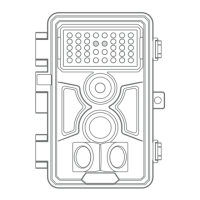
Introduces the A252 trail camera as a new generation digital scouting camera.
Details the key features and technological advancements of the camera.
Provides detailed instructions on how to correctly load the batteries into the camera.
Explains the correct procedure for inserting and removing the SD card.
Details the "OFF" mode, its purpose, and power consumption.
Describes the "ON" mode for surveillance and automatic capture.
Explains the "SET" mode for adjusting camera settings and parameters.
Details the methods for physically attaching the camera to a tree or other support.
Explains how to test the camera's detection range and sensitivity.
Guides on how to turn on the camera and select its working modes.
 General
| Brand | BlazeVideo |
|---|---|
| Model | A252 |
| Category | Scouting Camera |
| Language | English |

 To Next Page