Need help?
Do you have a question about the BlazeVideo A350W and is the answer not in the manual?
Details required battery type, quantity, and usage tips.
Specifies compatible SD card types and formatting recommendations.
Provides guidance on optimal phone placement for Wi-Fi connection.
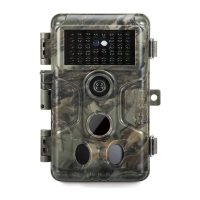
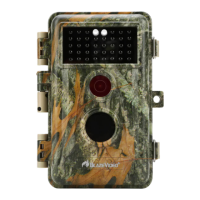
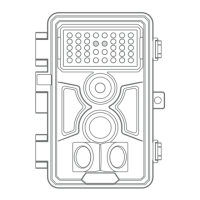
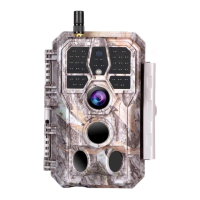
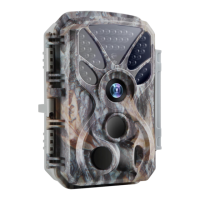
Introduces the A350W as a Wi-Fi trail camera with advanced imaging.
Highlights key capabilities like Bluetooth, Wi-Fi, high-quality imaging, night vision, view angle, ease of use, trigger time, and climate rating.
Details the process of inserting batteries into the camera.
Explains how to insert and format the SD card correctly.
Details the camera's powered-off state and power consumption.
Details camera operation, settings access, and auto-surveillance transition.
Describes how the camera enters and operates in surveillance mode.
Instructs users to download the necessary mobile application.
Explains how to enable Wi-Fi and Bluetooth on the mobile device.
Details the steps to add the camera to the mobile application.
Guides the user to select the camera type within the app.
Explains how to find and connect the camera via the app.
Outlines the main features and navigation within the mobile app.
Provides crucial tips and considerations for Wi-Fi connectivity.
Guides users on how to securely mount the camera.
Explains how to test the camera's detection range and angle.
Details how to start the camera in different working modes.
 General
| Brand | BlazeVideo |
|---|---|
| Model | A350W |
| Category | Scouting Camera |
| Language | English |

 To Next Page