10
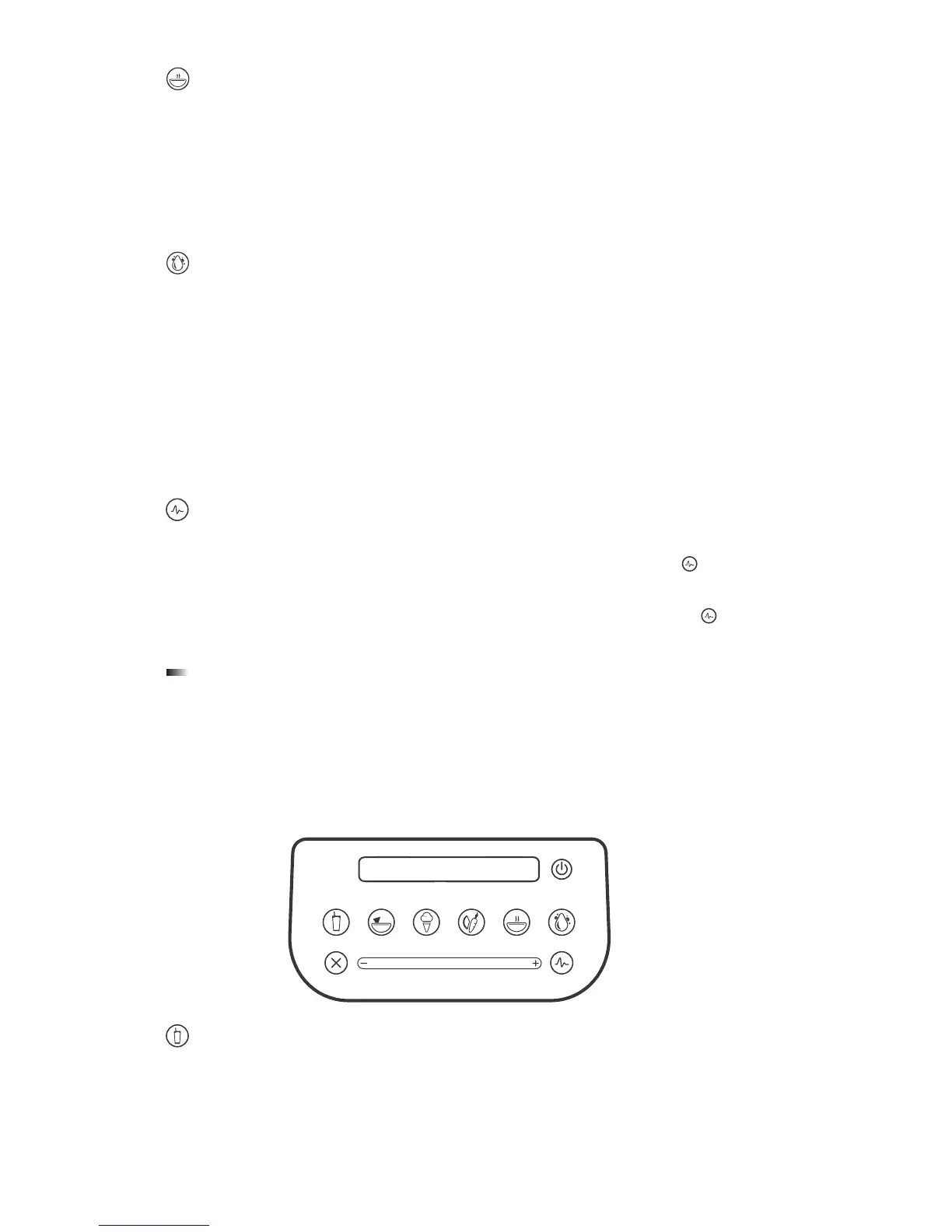
HOT SOUP
This cycle is designed for hot recipes� The cycle’s length of time, combined with
the speed of the motor, heats the ingredients to a hot temperature� This cycle
can also be used for hot chocolate, syrups, and fondue�
When using fresh ingredients, remember that the speed of the blade generates
enough heat to warm the ingredients Do not add any liquids or ingredients over
115° F to the jar when preparing soups or hot items�
CLEAN
This cycle that automatically cleans the inside of your blender jar�
To use the Clean cycle:
1� Add 1 cup (240ml) of water and a drop of dish soap to the blender jar�
2� Secure the lid and place the jar on the blender base�
3� Press the Clean button�
4� Once the cycle is complete, remove the jar and rinse�
For best results, use the Clean cycle immediately after blending�
PULSE
The Pulse function is used for chopping, mincing, whipping, or other momentary
tasks that do not require a long blend cycle� You can also Pulse
to quickly stir
a blend before serving�
The Pulse setting runs at speed 7 and will only run while the Pulse
icon
remains pressed� When the icon is released, the motor shuts off�
CAPACITIVE TOUCH SLIDER
The capacitive touch slider allows you to fine-tune the speed of your blender�
Simply slide your finger to the right to increase the blender’s speed or the left to
decrease speed�
5.6 DESIGNER 700
SMOOTHIE
This cycle is designed specifically for various types of smoothies and thick
drinks that frequently use dense or frozen ingredients� It slows down and
speeds up automatically during the course of the cycle� This allows the blender
to draw the ingredients into the blending vortex, creating the desired texture�









 To Next Page