16
3� BLENDER JAR IS DISHWASHER SAFE—TOP RACK ONLY!
4� Extreme temperatures damage the lower seal of the jar� We recommend handwashing
to prolong the life of the blender jar� We do not recommend the jar be used or
exposed to, temperatures above boiling (212°F, 100°C)�
SECTION 7: TROUBLESHOOTING
While we don’t expect you to have any problems with your blender, sometimes
failures do occur� Use the following guidelines to see if the problem is easily fixed
or requires service�
7.1 BLENDER MOTOR WILL NOT TURN ON (NO POWER)
If the blender motor will not turn on, try the following:
1� Determine if the Power Button is lit� Absence of a lit Power Button indicates a
lack of power to the unit�
2� Make sure the blender is plugged in�
3� Check your house circuit breaker switch or fuse to make sure it is set to the
ON position�
4� Press the Power Button located on the upper right hand side of the touch area�
5� Unplug the power cord from the wall receptacle, wait 5 seconds, then plug power
cord back in�
7.2 ERROR MESSAGES ON DISPLAY
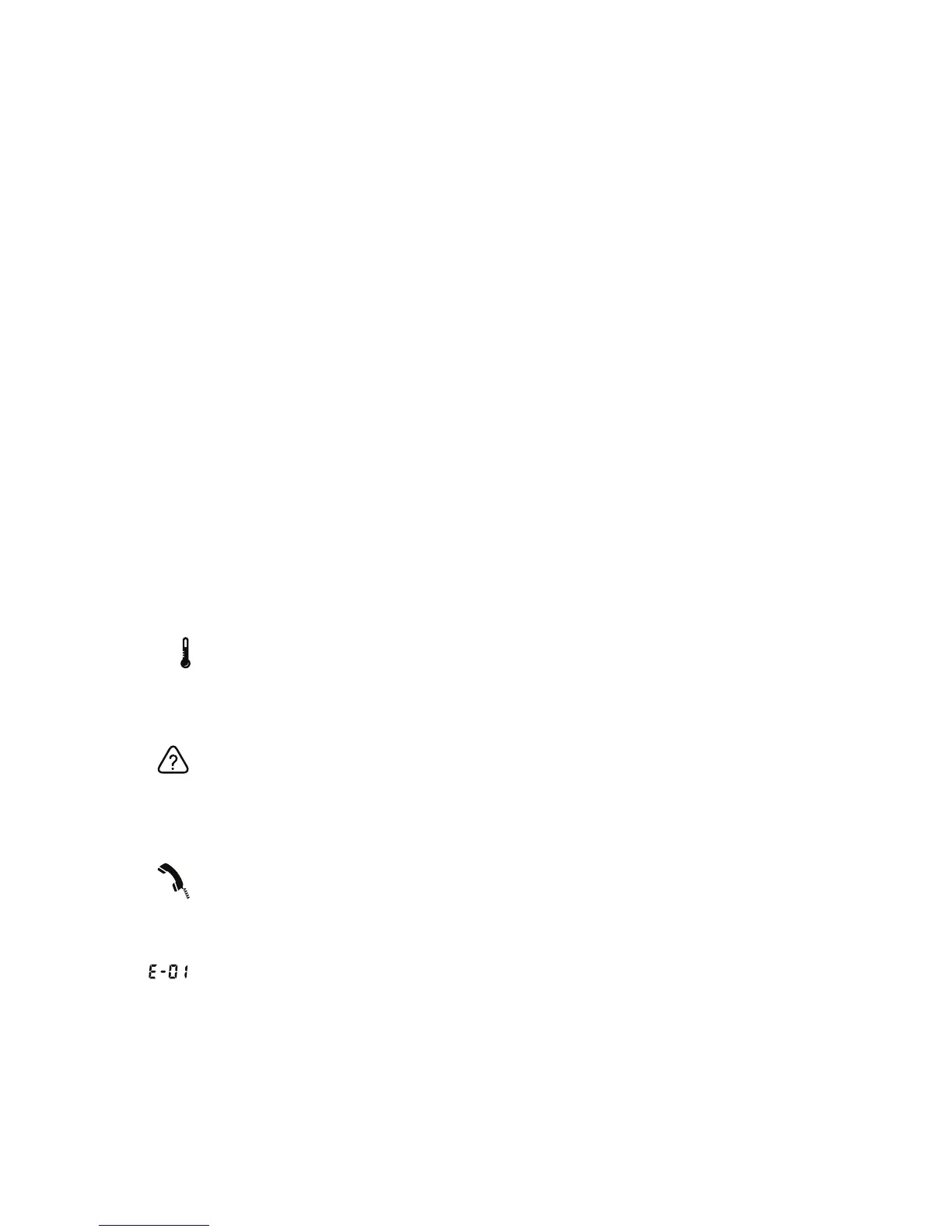
If this icon appears on your blender, it indicates that the motor is overheating� The
blender has been disabled until the unit cools to operating temperatures� Turn off
and unplug the unit� Allow it to cool for at least 20 minutes, then plug it back into
check if the icon is still visible� If the icon does not disappear after 20 minutes or
more of cooling time, please call your Blendtec Service Agent�
If this icon appears on your blender it indicates that more than one touch sensor
on the blender has been touched� This icon should only appear as long as the
multiple sensor areas are being touched� If this icon remains on when no one is
touching the touch area unplug and re-plug in the blender� If the problem persists
please contact your Blendtec Service Agent�
If this icon appears on your blender, please turn off and unplug the unit� Check
the blender jar for blockage and clear if necessary� Plug in the unit and turn the
blender on again� If the icon is still visible on your blender, contact your Blendtec
Service Agent�
If this message appears on the LED information center it indicates there has been
an error� There are error messages from E-01 through E-06� If any of these errors
appear, press the stop button to clear the message� If the error message
reappears please contact your Blendtec Service Agent�









 To Next Page