alcohol, thinner, benzene or any other solvent to clean the handset.
Off
- Please ensure the SIM card has been properly inserted into the phone. Long press the Power key to switch
phone on.
- In standby mode, long press on Power key until an options menu appears. Select Power Offin the menu to
phone.
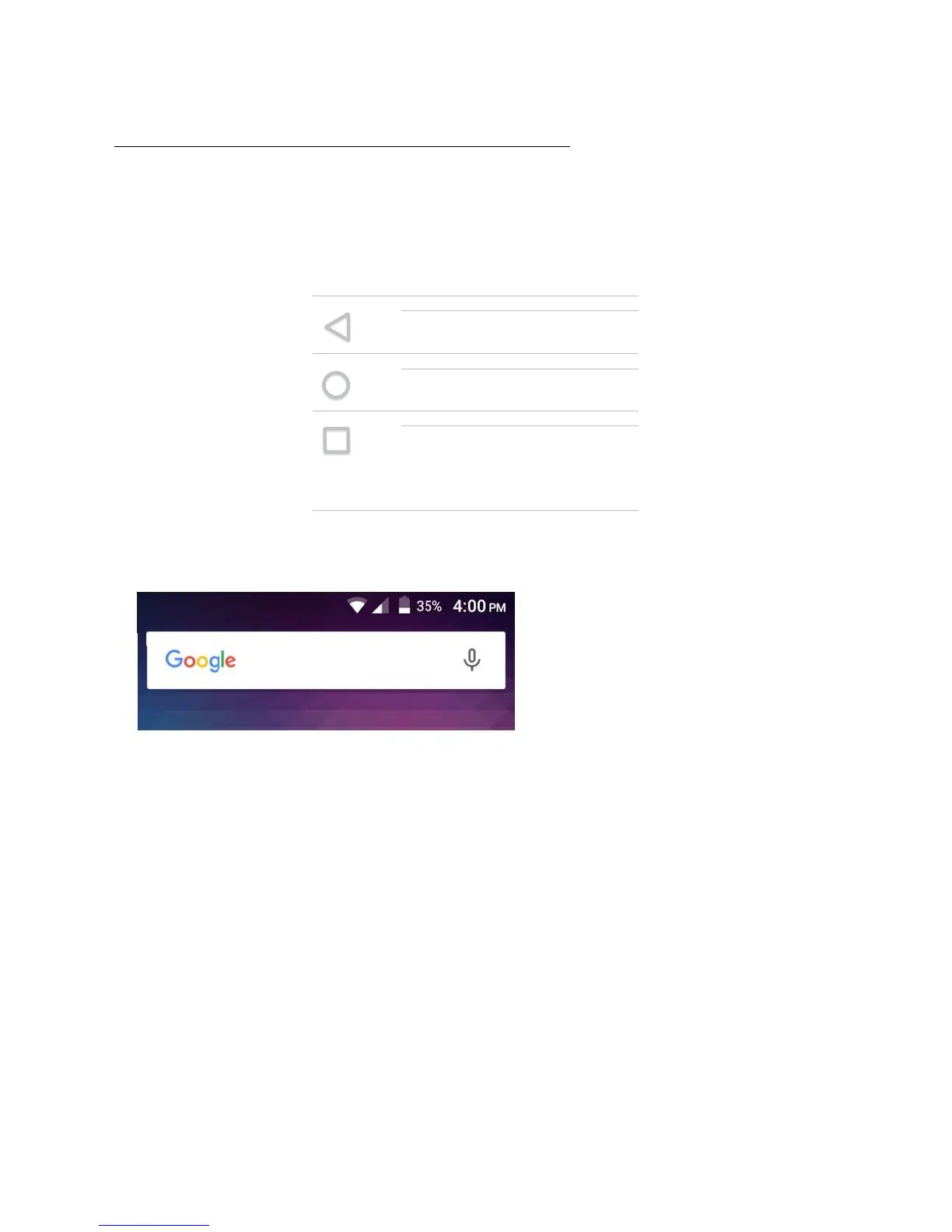
avigation Bar
dedicated area that displays device navigation buttons. These system buttons allow the
user to control the phone seamlessly.
Bar
located on the top of the screen, which contains useful and important information regarding
your phone, and the applications that are
installed.
notification bar, several icons will appear such as signal bar, time, battery indicator, data indicator,
-Fi.You may slide the notification bar down with your finger to display any pending notifications
actions.
Closes the keyboard, any open
current action and returns to the
applications that allows you to
switch conveniently between them.
This option can also close any
open applications by swiping to the



 To Next Page