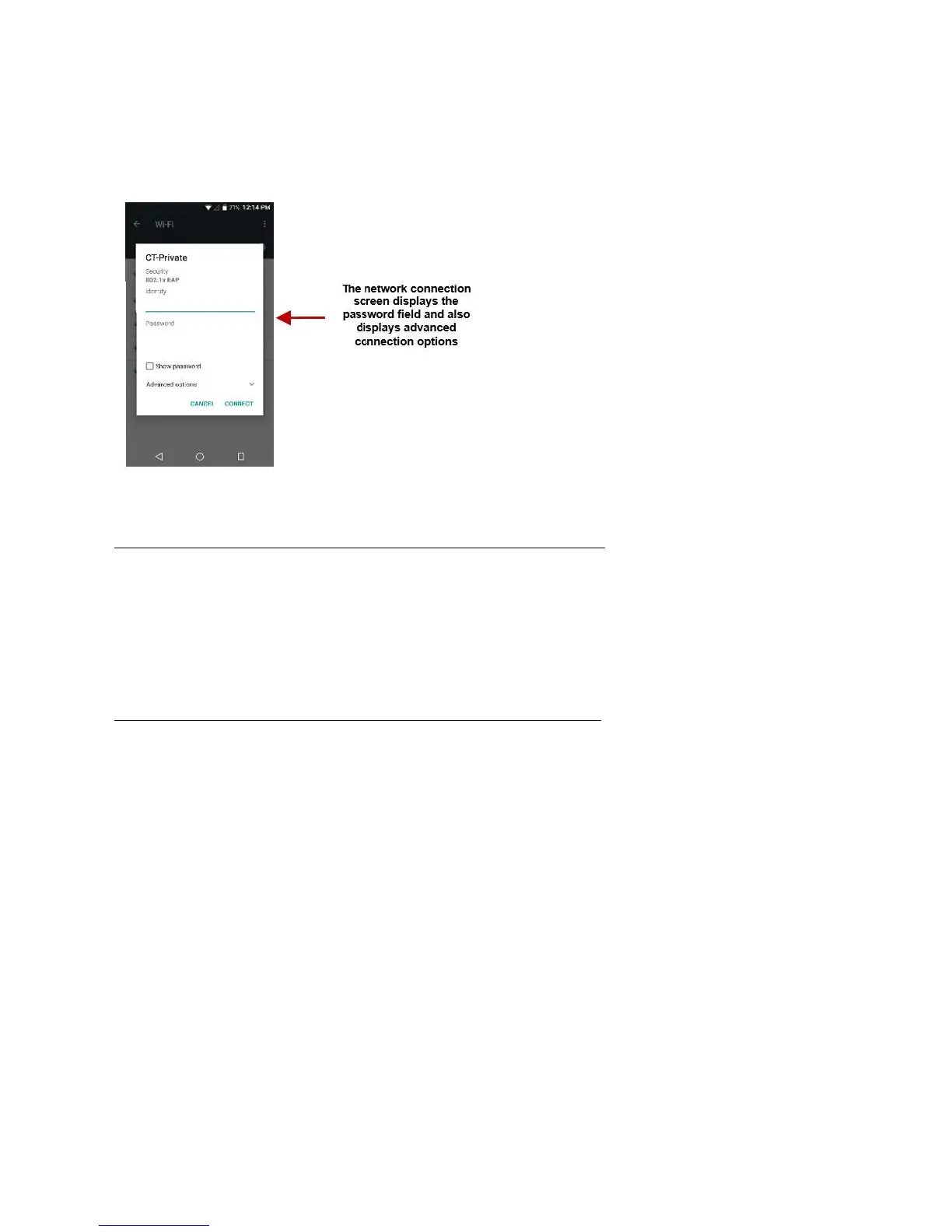
Click on the desired Wi-Fi network to be connected.
Unsecured networks can be connected to directly - secured networks require a password or credentials
connection.
options, click on the available option tab.
Browser
secure way to navigate with your Android phone.
Tab
browsing history
Dial
sites, bookmarks, and saved pages as a gallery of images. Add folders or reorganize your
Speed Dial with the swipe of a finger
top stories, arts, business, entertainment, and other popular categories based on your
Options
This option changes the layout of the browser
This option adds additional tabs
This option enables/disables data savings mode
Data
This option clears any data



 To Next Page