SMS
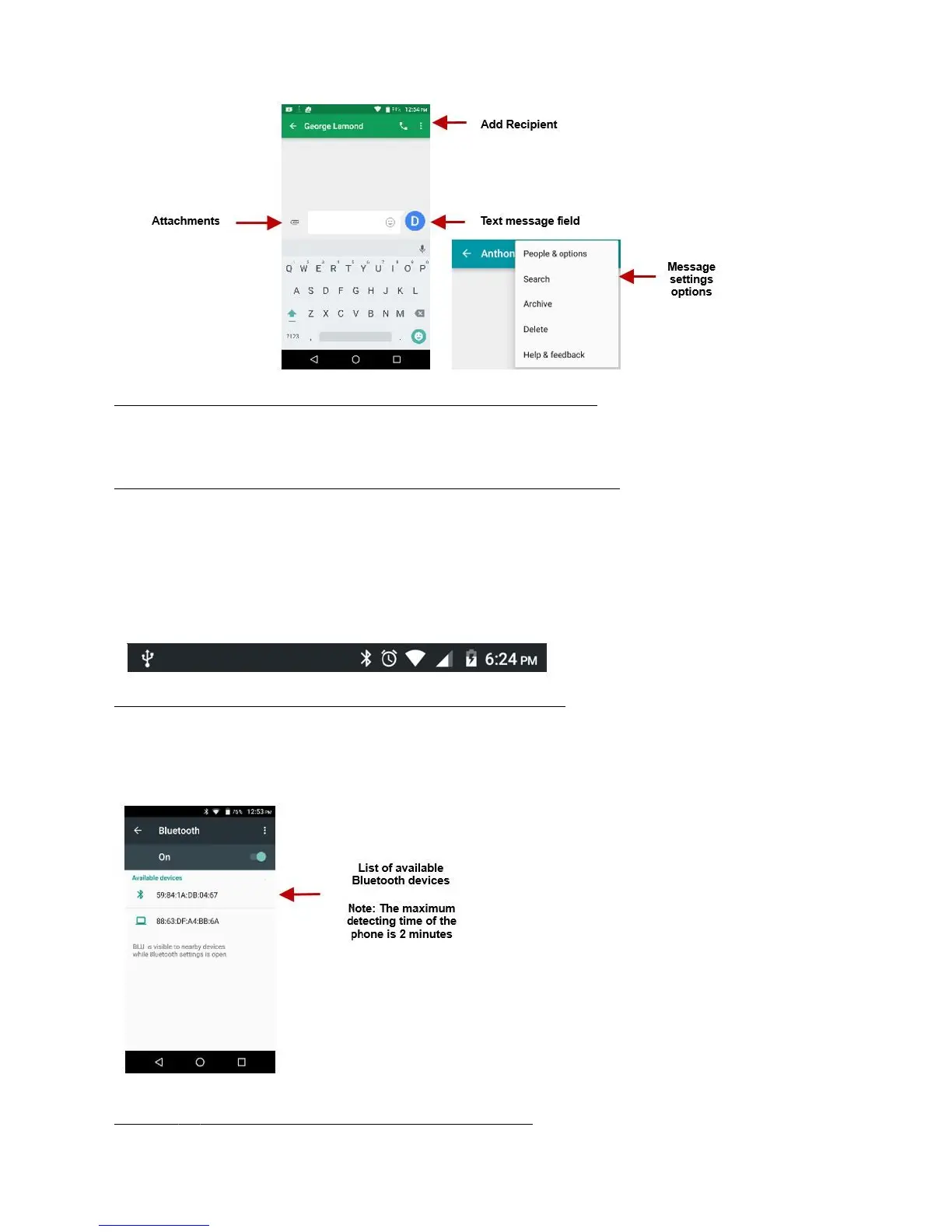
Application Menu > Messaging > New
message
Click the contact icon to enter text message recipient
Compose Text Message and click Send
MMS
the default message style is SMS. The message will automatically convert to MMS
when adding an attachment or when surpassing 10 pages of SMS messages.
Click the attachment icon in the messaging interface.
Click to add attachments and create an MMS message.
Bluetooth & Wi-Fi
short-range wireless communications technology that devices can use to exchange information and
connect to different types of devices that include headsets and
other devices.
Bluetooth
» Click on the Settings icon then on Bluetooth and selectto power on Bluetooth
The Bluetooth will then start to scan for all devices within its range and will start display all available devices.
When the scan is complete, all the devices found will display in a list under available devices. Once the device
has been identified, click on it to pair.



 To Next Page