Getting Started
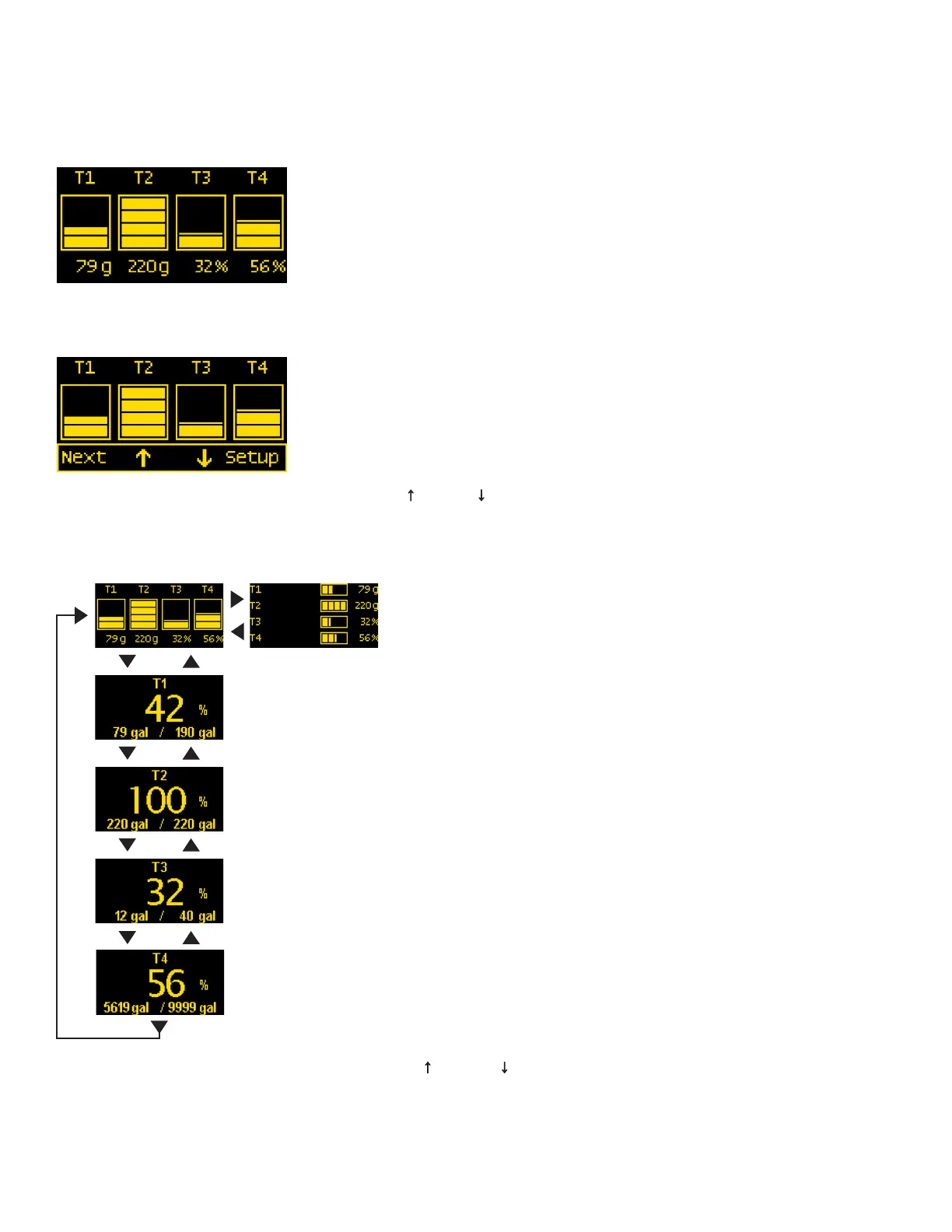
Example Screens From PN 1839 Tank Meter
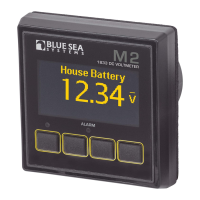
When an M2 Meter is initially powered up, it will display the Blue Sea Systems Logo,its serial number and its Software revision.
After a couple of seconds, the unit will display a high-level System Summary screen.
Pressing any button will display a temporary pop-up menu. Select an option by pressing the button beneath it. The pop-up menu will disappear after the
rst button is pressed.
The menu system is a two dimensional matrix. Pressing the UP ↑ or DOWN ↓ arrow buttons will transition the display between the System
Summary screen which displays summary information for each of the “tank” channels.
Press the Next button to display more detailed information about an input channel or to show a single parameter, such as “T1” in the display
(see example below).
8
Press the Menu button to bring up the Setup menus. Press the UP ↑ and DOWN ↓ arrow buttons to move the cursor over the options and press the
Select button to see a selected display. To return to the previous display, press the Back button.


 To Next Page