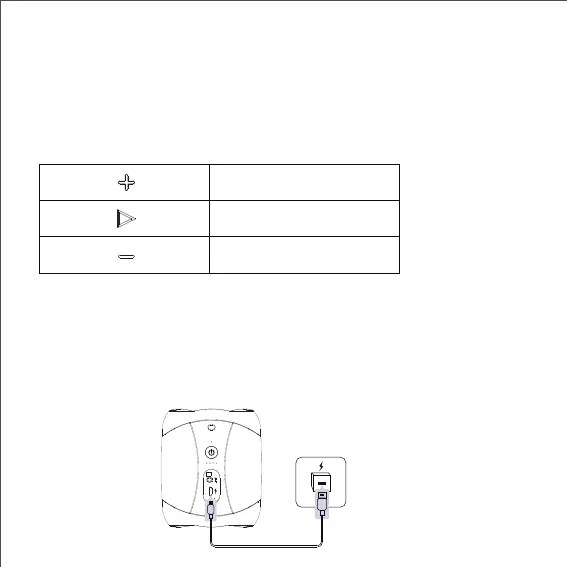
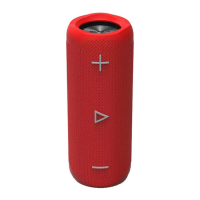
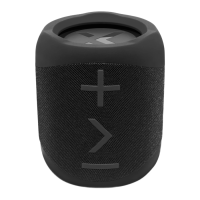
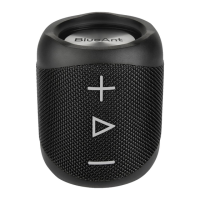
Click to mute play back
Click to decrease volume
Click to increase volume
Aux in Mode
Use the 3.5mm audio cable included to connect the speaker to an audio
source (PC, MP3/MP4, mobile phone).When you plug the Aux cable into the X1 it
will automatically change to Aux in mode. When you unplug the Aux cable the X1
will change back to Bluetooth mode..The speaker will play the music from the
audio source.
To change or control tracks please use your music source when in Aux in mode.
Charging
Please use the supplied MicroUSB cable to charge the X1. A full charge will take
around 3 hours.Please close the port cover after you have charged the X1.
7


 To Next Page