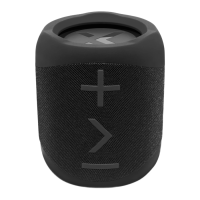
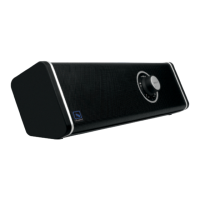
Short press button to power on/off the speaker. The indicator light will flash
blue. The speaker has a m emory function mode as prior to power off. Each time
the speaker powers on it will reset to 50% volume.After 10 mins with no
connection the X1 will automatically power off to conserve battery.
Getting started
Power on/off
Modes
Bluetooth Mode
A) Pairing
Power on the speaker and enter Bluetooth mode. The light indicator will flash.
On your smartphone search Bluetooth devices for the “BlueAnt X1”. Once
connected the speaker will announce it is “connected” and the indicator light will
cease flashing.
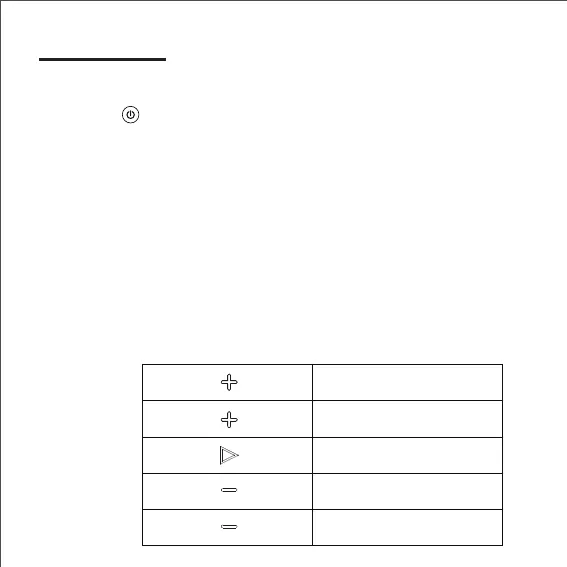
Click to play/pause
press and hold for 1.5 seconds
To skip back a track
press and hold for 1.5 seconds
To skip forward a track
Click to decrease volume
Click to increase volume
B) Music
4


 To Next Page