Getting Started
Before removing the battery, turn off the power. Failure to do so it may cause damage to the device.
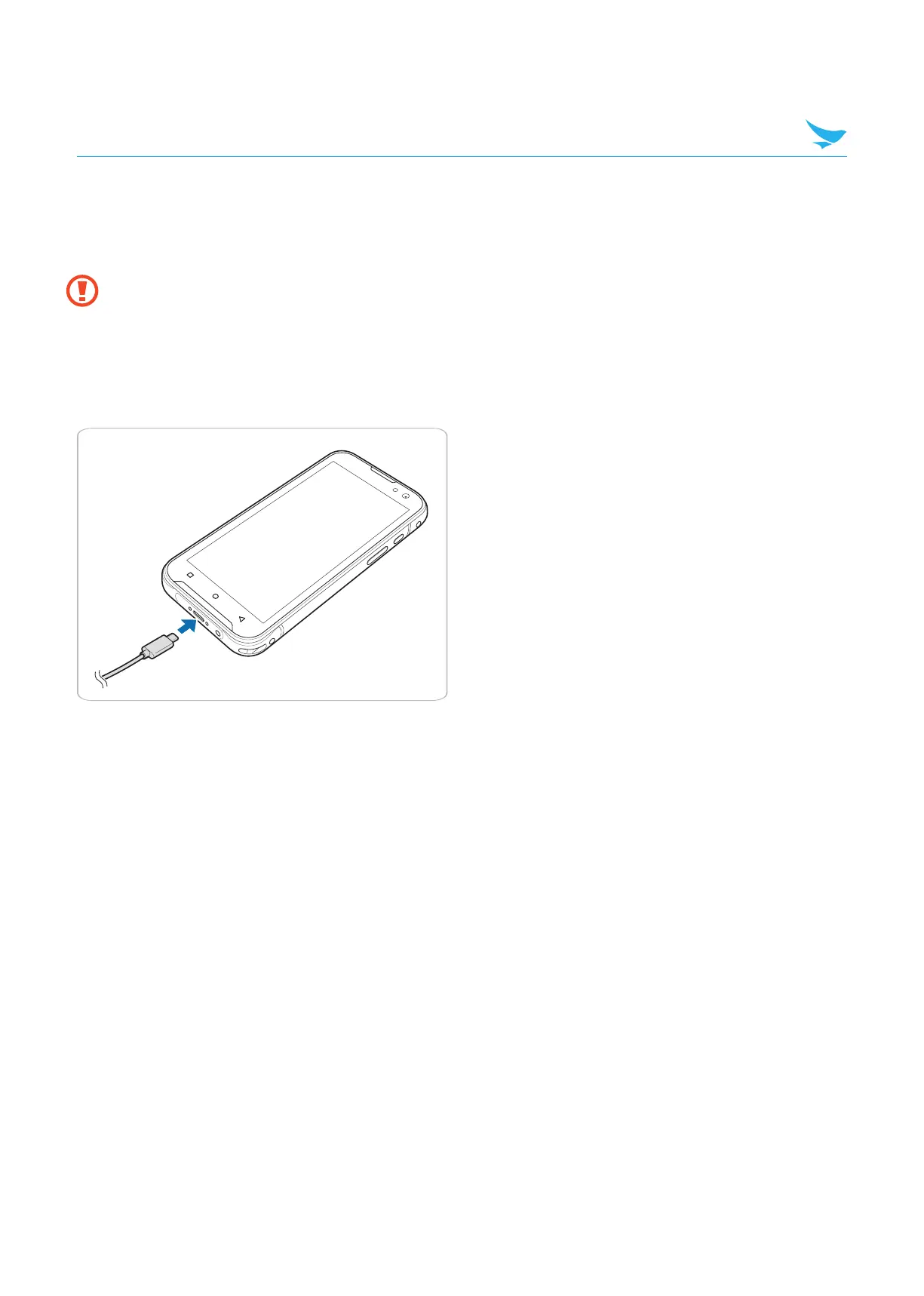
3.2.3 Charging the Battery
3.2.2 Removing the Battery
Slide up the battery lock to unlock the battery and pull the battery out.
1 Plug the C-type end of the charger into the multi-purpose jack on the buttom of the device.
• The battery charging image appears on the screen.
2 Connect the USB cable with power adapter and then plug the charger into a power outlet.
10



 To Next Page