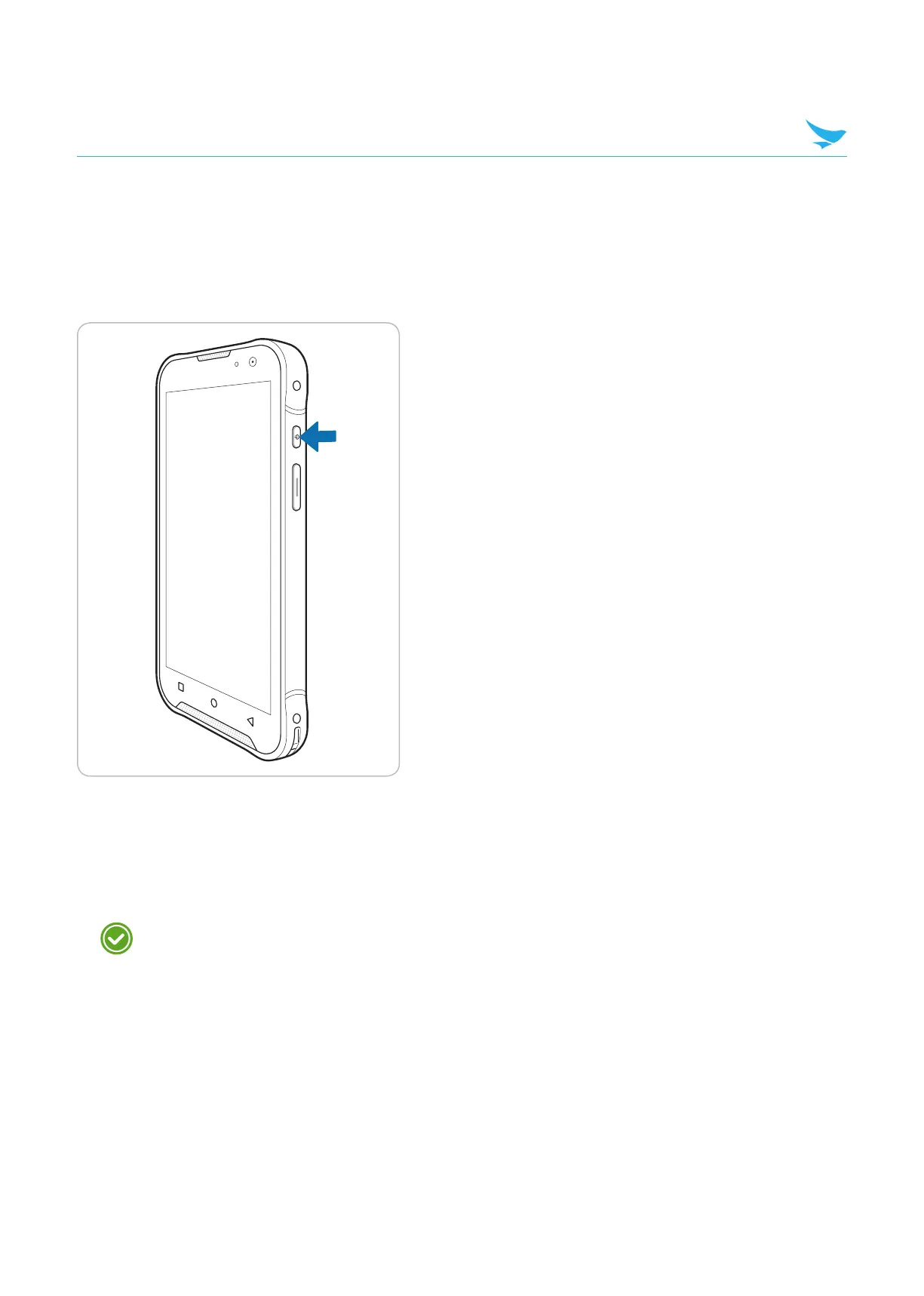
4.1 Turning the Device On or Off
4.1.1 Turning the Device On
Press and hold the Power button for a few seconds.
4.1.2 Turning the Device Off
1
Press and hold the Power button for a few seconds.
2
Tap Power off.
• To turn the screen on or off, press the Power button.
• Registering the accounts without turning on the Wi-Fi may incur extra charges depending on your
data plan.
Basic
4 Basics
11



 To Next Page