Your Device
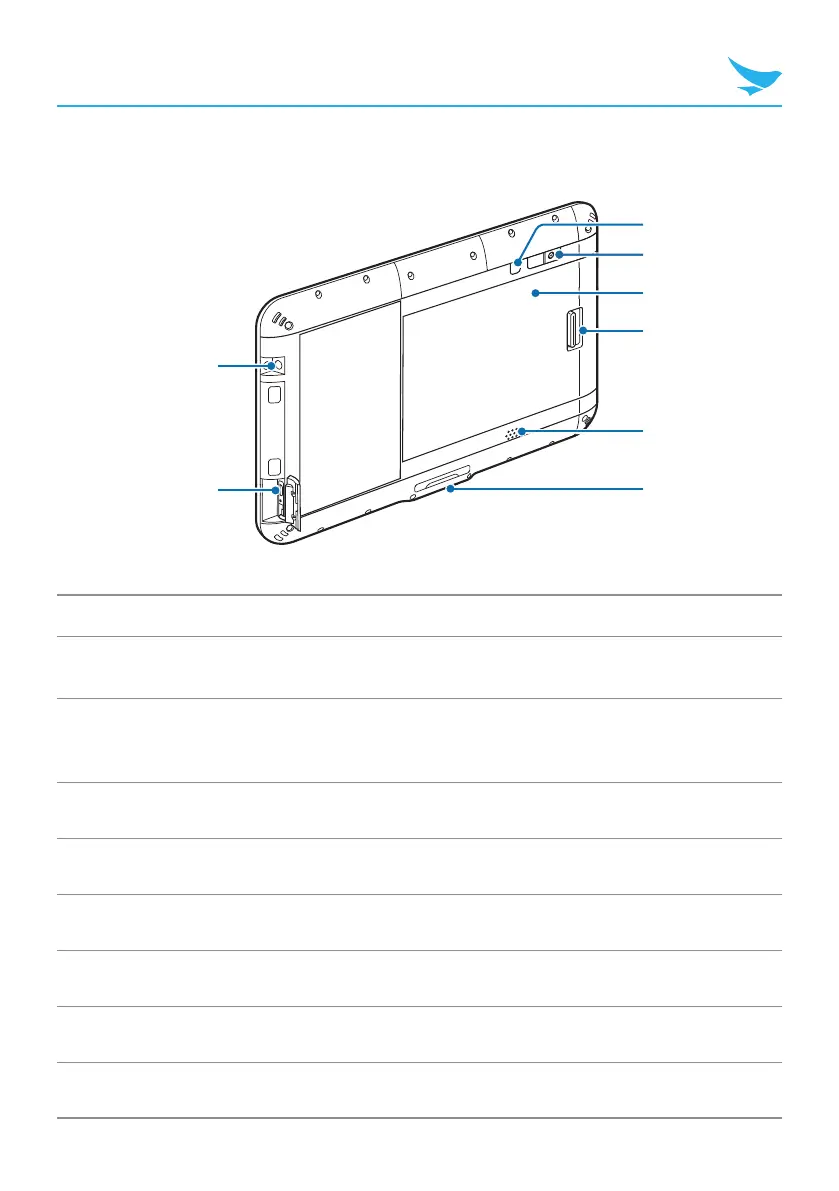
Device Back
1
2
7
8
4
6
5
3
No. Name Description
1
Audio jack
Connects to the 3.5 mm adapter on headphones or
computer speakers.
2
USB port
Connects to the power adapter to charge the device.
Connects to USB devices, such as memory sticks,
keyboards, and external hard drives.
3
Power button Turns on the device.
4
Rear camera Captures photos and video (8 megapixels).
5
Battery area 6000 mAh, inner part of the device.
6
Battery locker Locks the battery.
7
Speaker Emits sound.
8
Cradle connector Connects the device to a cradle (optional).



 To Next Page