Your Device
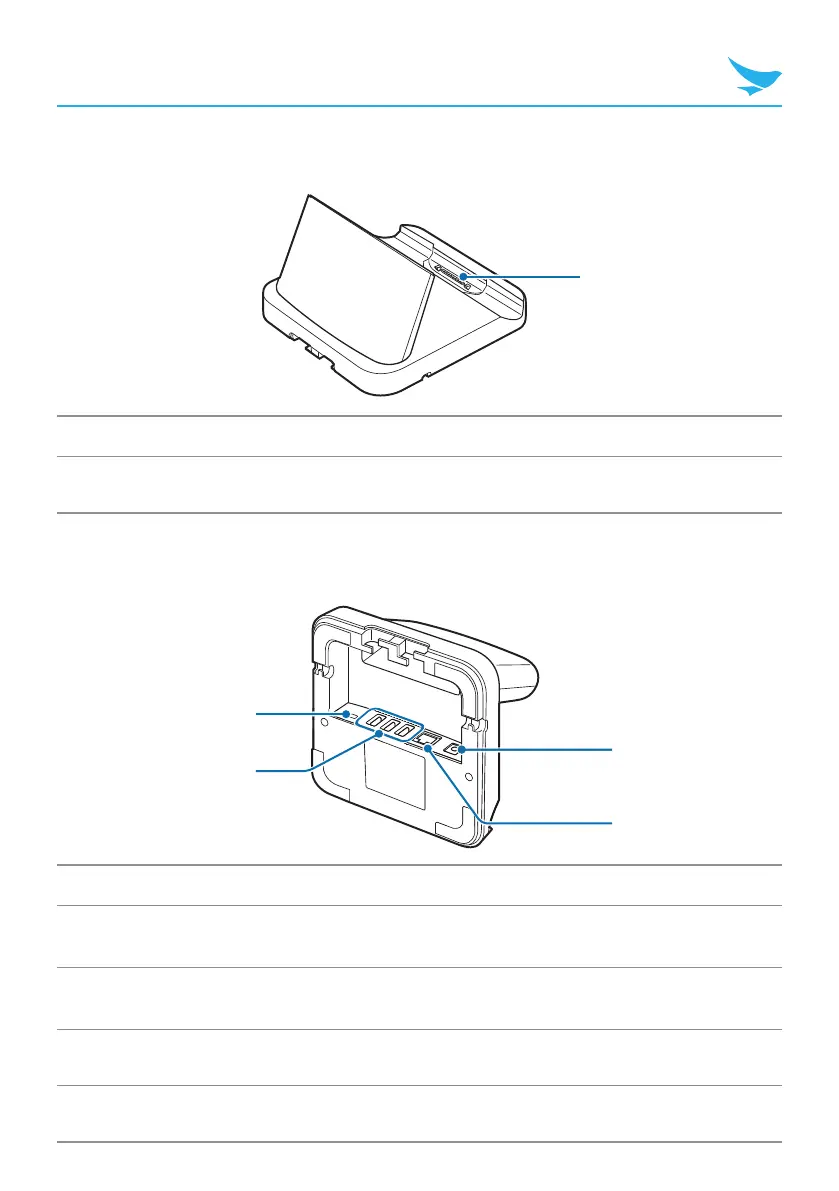
Cradle Front (Optional)
1
No. Name Description
1
Connector Connects the cradle to a device.
Cradle Bottom (Optional)
3
4
1
2
No. Name Description
1
DC OUT port
Connects another power source. For details about available
devices, contact Bluebird customer service.
2
USB port
Connects to USB devices, such as memory sticks,
keyboards, and external hard drives.
3
DC IN port Connects a power cable.
4
Ethernet port Connects an ethernet cable.



 To Next Page