English BlueCard
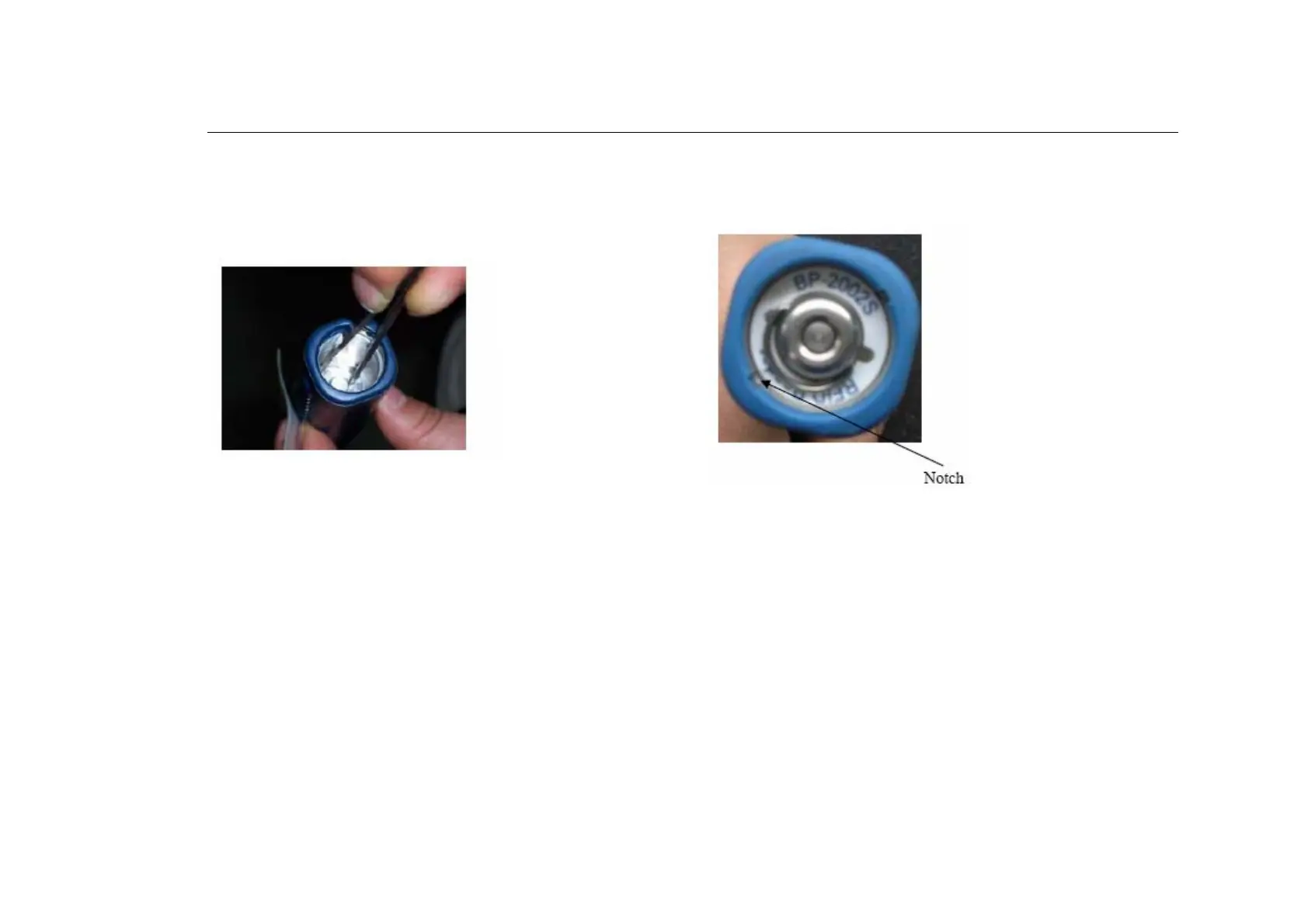
7. Create a circuit between the round metallic contact on the bottom of
the compartment and the compartment wall for approximately 2-5
seconds.
8. Replace the silicone shock-absorption pad, the battery, and the
battery cap. If the reader makes a long beeping sound with LED
flashing, it means the reader is resetting itself. Please wait for one
minute then test to see if the reader is working. If it is working normally,
please calibrate its time using the software before further usage.
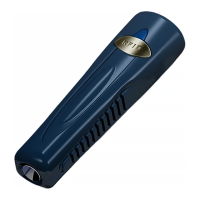
9. Use the pliers to install the battery cover. Please note the notch on the
inside tubing of the reader. The battery cover should go down to a same
or lower level than the bottom of the notch.
NOTE: BP-2002S-V use the exactly same way to change the battery.
Please follow above instructions to replace the BP-2002S-V battery.



 To Next Page