EasyManua.ls Logo

Bluestream BS001CR - User Manual

Default Icon
12 pages
Print Icon
To Next Page IconTo Next Page
Loading...
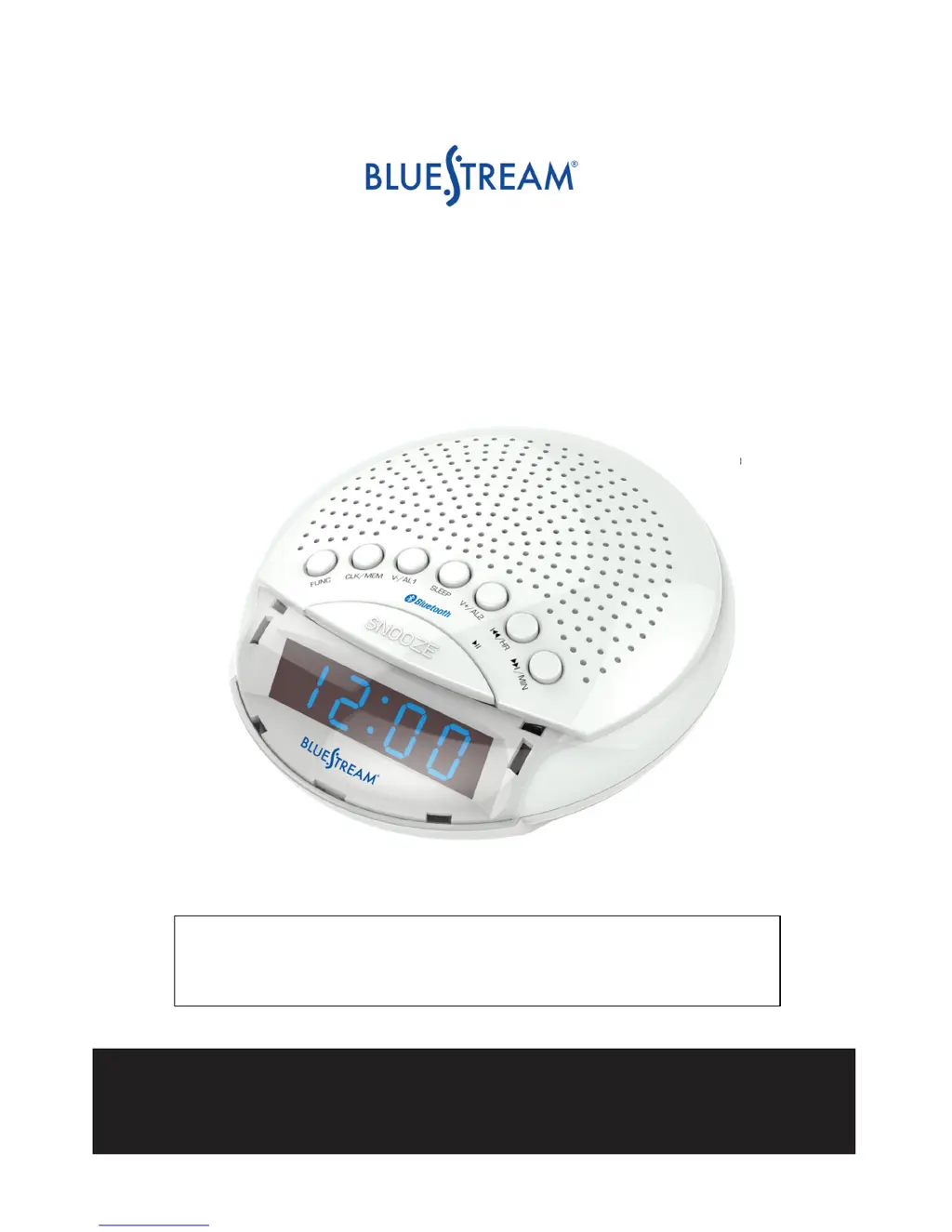
BLUETOOTH CLOCK RADIO
Model: BS001CR
PLEASE READ THIS USER MANUAL COMPLETELY BEFORE
OPERATING THIS UNIT AND RETAIN THIS BOOKLET FOR
FUTURE REFERENCE.
For technical assistance or troubleshooting please
call 1-855-719-8324 or visit www.sibrandssupport.com

Questions and Answers

Summary

Warnings and Safety Instructions

Important Safety Instructions

Mandatory safety guidelines for operating and maintaining the appliance.

Location of Controls Overview

Display Lights and Time Setting

Setting the Clock Time

Step-by-step guide to accurately set the current time on the clock.

Alarm Setting Procedures

Setting Alarm 1 (Buzzer;Radio)

Instructions for setting Alarm 1, including buzzer and radio wake-up options.

Advanced Alarm and Function Control

Setting the Second Alarm

Procedure for setting the second alarm, including buzzer and radio options.

Bluetooth Connectivity

Pairing a Bluetooth Device

Detailed steps for connecting your Bluetooth device to the clock radio.

Audio Playback and Radio Operation

Sleep Timer and Troubleshooting

Troubleshooting Common Issues

Solutions for common problems like alarms not sounding or no sound.

Bluestream BS001CR Specifications

General IconGeneral
BrandBluestream
ModelBS001CR
CategoryClock Radio
Display TypeLED
Snooze FunctionYes
Battery BackupYes
Alarm FunctionYes
Radio TypeDigital
Tuner BandsFM
Power SourceAC