14. Multi Pairing
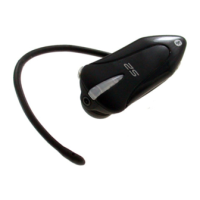
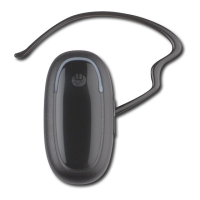
BlueTrek G2 can be paired to two Mobile Phones (Audio Gateways).
In the following description, the last paired Audio Gateway will be called Primary Phone, and the
previously paired phone will be called Secondary Phone.
For instance :
Your headset is already paired with a NOKIA 3650 mobile phone.
You perform a pairing with a SONY ERICSSON T68i phone :
• your T68i phone will be the Primary Phone,
• your NOKIA 3650 phone will be the Secondary Phone.
You Perform a second Pairing with an ERICSSON T39:
• your T39 phone will be the Primary Phone,
• your T68i phone will be the Secondary Phone.
All Outgoing Calls from Bluetrek
®
G2 are sent only to the Primary Phone.
However, an incoming Call on any phone (primary or secondary) will be sent to your BlueTrek
®
G2
headset, and it can be answered on the headset (if BlueTrek G2 has no link established with the
other phone which is not receiving the latest incoming call).
The multi-pairing only works with headsets which are both in the headset profile.
(Note: all brand names are the property of their respective owners).
English
Bluetrek G2 user guide l 10


 To Next Page