• Grid Enhancement mode: By default, the Grid Enhancement mode is disabled. Please
turn it on directly in the BLUETTI app. This mode ensures that the AC180 has a stable
and continuous AC input, as it allows AC180 to adapt to voltage fluctuations and
waveform distortion of an AC source.
Note: Turn off the Grid Enhancement mode when using AC180 as a UPS. In this mode,
the UPS takes longer to switch over and may be unable to provide instant emergency
power to connected devices.
• ECO mode: When operating on ECO mode, the AC/DC output will automatically turn
off if the AC180 is bearing low or no load for a while.
When enabled, the ECO icon is displayed on the screen. Under Setting mode, press the
DC power button turn it
• Press the AC and DC power buttons at the same time to exit Setting mode.
Note: If you do not perform any operation in 1 minute, AC180 will exit Setting mode
automatically and no changes will be saved.
• Check the error code: Press the AC and DC power buttons at the same time for about 2
seconds, and then hold the AC power button to check the current error code (e.g. E001).
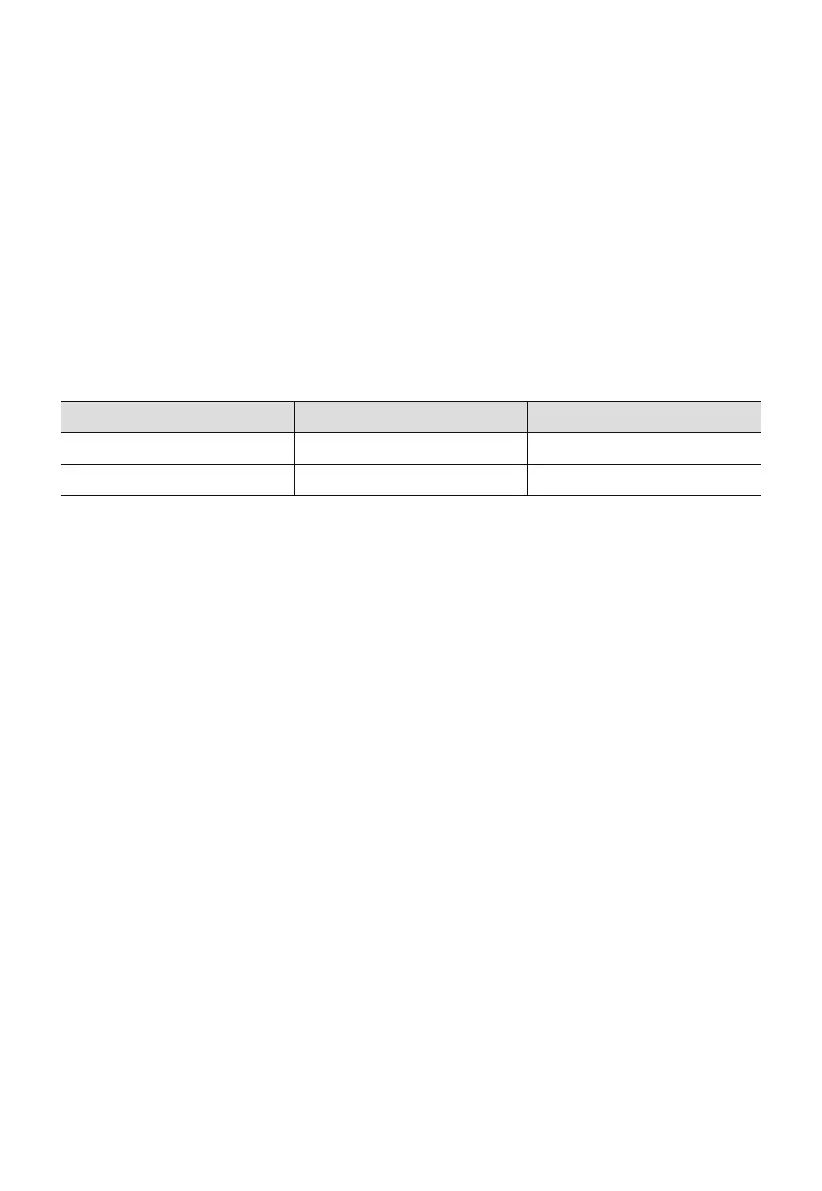
Output
AC output
DC output
Power
15W-30W
5W-10W
Duration
1, 2, 3, 4 hours
1, 2, 3, 4 hours
JUST POWER ON 13



 To Next Page