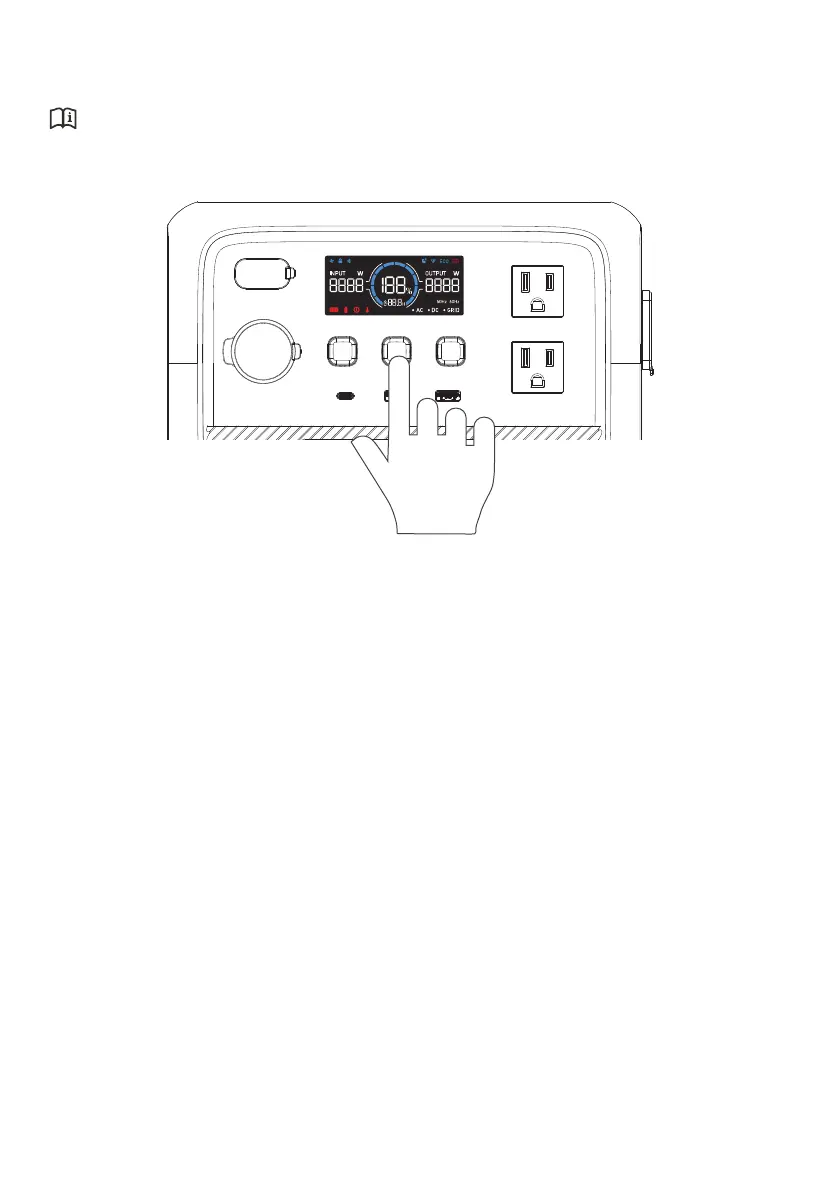
5. Power ON / OFF
Attention:
Please place the unit on the platform firmly and stably.
• Power ON: Press and hold the POWER Button for about 2 seconds, the button lights up
indicating that the AC2A is now on standby.
• Power OFF: Press and hold the POWER Button for about 2 seconds to turn off the unit.
• AC ON / OFF: When the AC2A is on, press the AC Power Button to turn it on / off.
• DC ON / OFF: When the AC2A is on, press the DC Power Button to turn it on / off.
• Restart: Power off the AC2A first, then press the POWER Button to restart.
Note: When the AC2A is on, you can activate the LCD display by interacting with any of
the buttons.
When AC and DC is off for more than 1 minute,the AC2A will be off automatically.
JUST POWER ON12



 To Next Page